
Multi-Location Restaurant Management Software
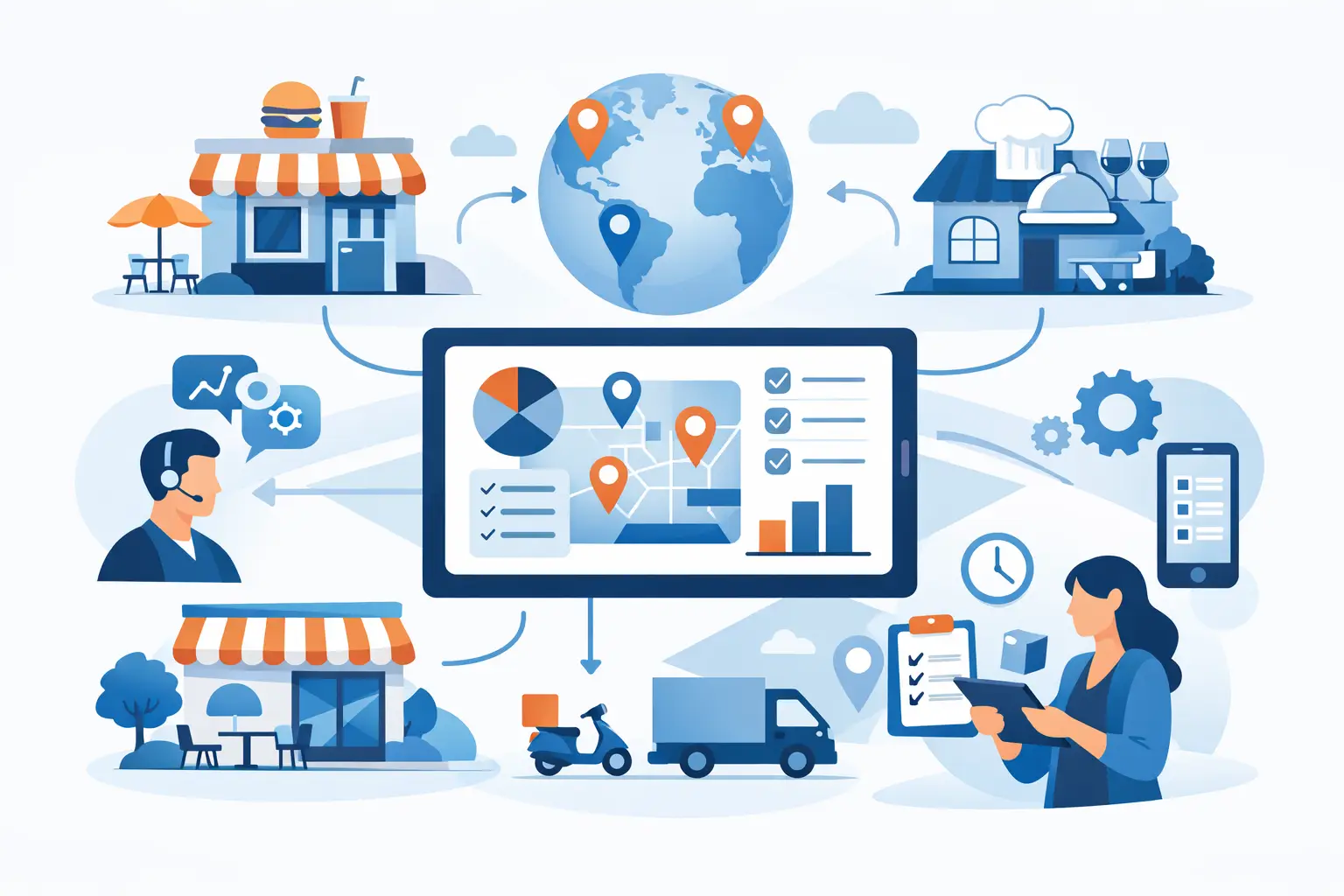
A second location does not simply add another dining room. It adds another inventory count, another prep team, another supplier delivery, and another chance for a small process failure to become an expensive pattern. Multi location restaurant management software gives operators a way to run those moving parts from one source of truth without treating every store as its own disconnected business.
The goal is not more dashboards. The goal is control: clear standards, current ingredient costs, documented counts, and proof that each location is carrying out the same operating decisions. When that structure is missing, leaders spend their week chasing spreadsheets, checking group chats, and trying to determine whether a problem is isolated or spreading across the group.
See Restaurant Multi-Location Roles & Permissions: The Complete Guide for how scoped permissions and a district manager role fit into that single source of truth.
Why Multi-Location Restaurant Management Software Matters
Multi-unit complexity usually arrives before the operating system does. The owner opens a second or third store, keeps the same spreadsheet, and asks managers to send photos of counts or completed checklists. That may work briefly. Then supplier prices shift, a key ingredient runs low at one location, or a recipe is prepared differently by two teams. No one can see the full picture quickly enough to act with confidence.
The cost of fragmentation is rarely one dramatic mistake. It is the accumulation of avoidable decisions: ordering based on incomplete counts, selling a menu item with an outdated recipe cost, remaking food because portions vary, or assuming an updated procedure reached every store. Each issue puts pressure on margins and gives managers more manual follow-up to do.
A proper multi-location system creates a shared operating record while preserving store-level accountability. Leadership can compare locations without flattening the details that matter. A kitchen manager can submit an inventory count. A manager can review and approve it. Operations leaders can see where a procedure has received a response and where follow-up is still needed.
That is what makes the software useful on the days leadership is not in the store. It replaces reliance on memory and informal messages with visible, repeatable work.
What the System Should Control
The right platform should connect the operational decisions that affect food cost and consistency. A tool that only reports results after the fact may be useful for review, but it does not help the team execute the work correctly before the next shift starts.
Count-Based Inventory and Reorder Decisions
Inventory control begins with a count your team can trust. Staff need a clear way to record on-hand quantities, while managers need an approval trail that shows which count was submitted and when it was reviewed. That record matters when an order seems too large, a location runs out of a core item, or a number needs to be checked before placing the next purchase.
A dashboard low-stock list should turn count data into a practical reorder conversation. It should show what needs attention without forcing a manager to scan a long spreadsheet or reconstruct the last count from messages. This is not sales-triggered inventory. It is disciplined, count-based visibility that supports better ordering decisions.
Current Supplier Costs and Recipe Costing
A recipe cost is only as useful as the ingredient prices behind it. If the price of chicken, dairy, oil, or a specialty garnish changes, operators need to know how that change affects the menu item before margin loss becomes a monthly surprise.
Look for software that maintains current supplier-cost tracking and updates recipe costs when an ingredient price changes. Standardized recipes should document ingredients, quantities, and batch yield so teams can produce the intended number of portions at the intended cost. A batch cost divided by portions produced creates a usable per-portion reference without relying on guesswork.
This does not remove the need for management judgment. A recipe cost does not decide whether a menu price, vendor choice, or portion standard should change. It gives the operator the current information needed to make that decision quickly.
SOPs That Drive Follow-Through
A procedure posted in a shared folder is not an operating system. The question is whether every location has responded to the update and whether managers can see the gaps.
For multi-unit groups, SOP software should make it easy to publish standards, organize recurring checklists, and view response rates by location. Checklist work can be assigned to specific users when a task needs clear ownership. That creates a rollout engine for new procedures, not another place where instructions disappear after they are sent.
How to Evaluate Multi-Location Restaurant Management Software
Do not choose a platform based on the longest feature list. Choose it based on the operational failures you need to eliminate. A growing fast-casual group may need tighter recipe consistency across every kitchen. A full-service concept with frequent supplier changes may need stronger cost visibility. A bar group may prioritize count discipline for high-value inventory and location-level approvals.
During evaluation, ask whether the system can answer five practical questions:
- Can each location work from the same item, recipe, and procedure standards while retaining its own operating record?
- Can authorized staff submit counts and can a manager approve them with an auditable trail?
- Does the platform surface a clear low-stock list from inventory counts so reorder decisions are easier to make?
- When supplier pricing changes, do recipe costs update from the current ingredient cost?
- Can operations leaders see location-by-location SOP response rates instead of assuming an update was adopted?
The answers reveal whether a product is built for restaurant execution or simply for storing information. The distinction matters. A generic task tool may distribute a checklist, but it may not connect that work to inventory discipline, recipe standards, and food-cost decisions. A spreadsheet may calculate a number, but it does not reliably create approvals, consistent records, or a shared view across stores.
There are trade-offs. A highly configurable system can require more initial setup, especially if each location has years of inconsistent naming and recipes. A simpler system may be faster to launch but offer less room for unique workflows. For most operators, the best choice is the one that makes the core routine easier to follow every day, not the one that promises to model every exception.
Roll Out the System Without Creating More Work
Start with one operating problem that affects every location. Inventory counts are often a strong first use case because they force teams to agree on item names, units, count timing, and approval expectations. Once counts are consistent, low-stock decisions become more dependable and the inventory record becomes more useful.
Next, standardize the recipes that drive the most sales, create the most prep work, or carry the most ingredient-cost exposure. Do not wait for a perfect recipe library before beginning. Establish the recipes where inconsistent portioning or changing supplier prices have the clearest impact, then expand from there.
Finally, move recurring procedures out of group chats and into checklists with visible location response rates. Define what completion means. Make managers responsible for reviewing gaps. If an SOP changes, give teams one current version rather than asking them to interpret a thread of old messages.
The rollout succeeds when managers see less administrative chasing, not more. Keep training close to the work: count at the shelf, review costs when purchases are entered, and complete procedures during the shift where they belong. Measure adoption through submitted counts, approved records, and location responses, then correct friction before adding another workflow.
Dinezy is built around this discipline: inventory, recipes, procedures, and accountability in one operating system. The immediate win is clarity. Over time, that clarity gives operators a business that runs the same on the days they are not in the store.
Frequently Asked Questions
Does Dinezy have a built-in district manager or area manager role? You build one with a custom role rather than switching on a preset. The system's only fixed roles are Owner and Staff, and a custom role gives you full control over what a district manager level can see and do, granted at each store that person oversees.
Can I see one combined report across all my locations? Each store gives you a focused, single-location view for inventory, recipe costs, and reports — you switch between the locations you have access to and review them individually, which keeps each store's data specific rather than blended together. The one cross-location action is Bulletin Board, where a single post can target an audience across the locations you choose.
Does the same employee need a separate login for each location they work at? One login covers every location. Permissions are tied to the user-and-location pairing rather than the account itself, so the same person can be a Manager at one store and Staff at another. Switching stores doesn't require logging out — the session simply scopes to whichever store is active.
Where should a multi-unit group start when rolling out Dinezy? Start with one problem common to every location — inventory counts are a common first step because they force teams to agree on item names, units, and count timing. Standardize the highest-impact recipes next, then move recurring procedures into checklists. Don't wait for a perfect setup before beginning.
Key Takeaways
- Multi-location roles like district manager are built from a custom role plus per-store access — there's no built-in preset for them
- Reports and inventory are per-location views; comparing stores means switching between them, not one combined dashboard
- Permissions live on the user-and-location pairing, so one account can hold different access at different stores without separate logins
- Roll out one operating problem at a time — counts, then recipes, then procedures — instead of digitizing everything at once