
How do I add Dinezy to my phone's home screen?
You can install Dinezy as an app shortcut on your phone's home screen — no App Store required. It opens full-screen without the browser address bar, just like a native app.
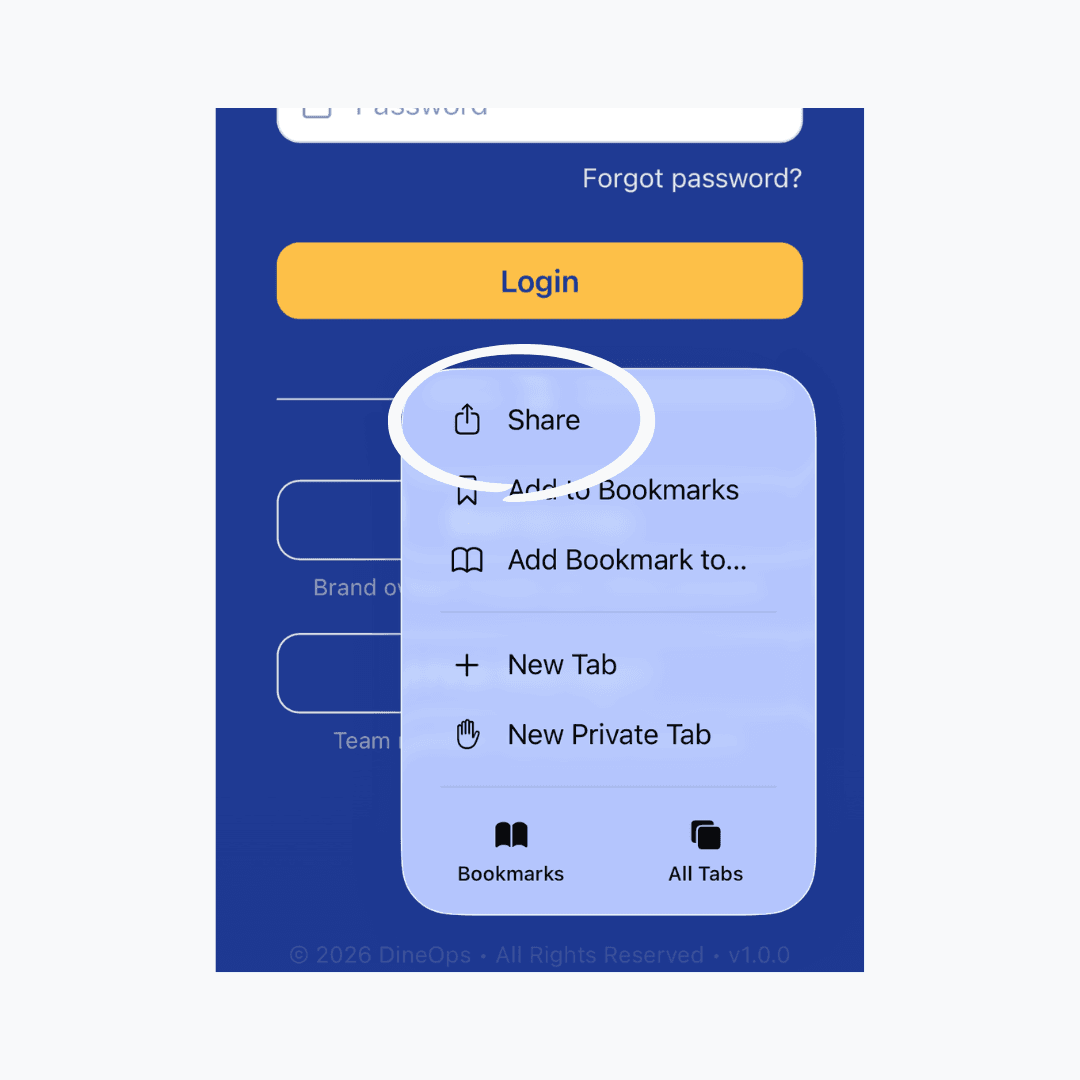
On iPhone (Safari): tap the Share button (↑) at the bottom of the screen, then scroll down and tap "Add to Home Screen". On Android (Chrome): tap the three-dot menu (⋮) in the top-right corner, then tap "Add to Home Screen".
Last reviewed 2026-08-20