
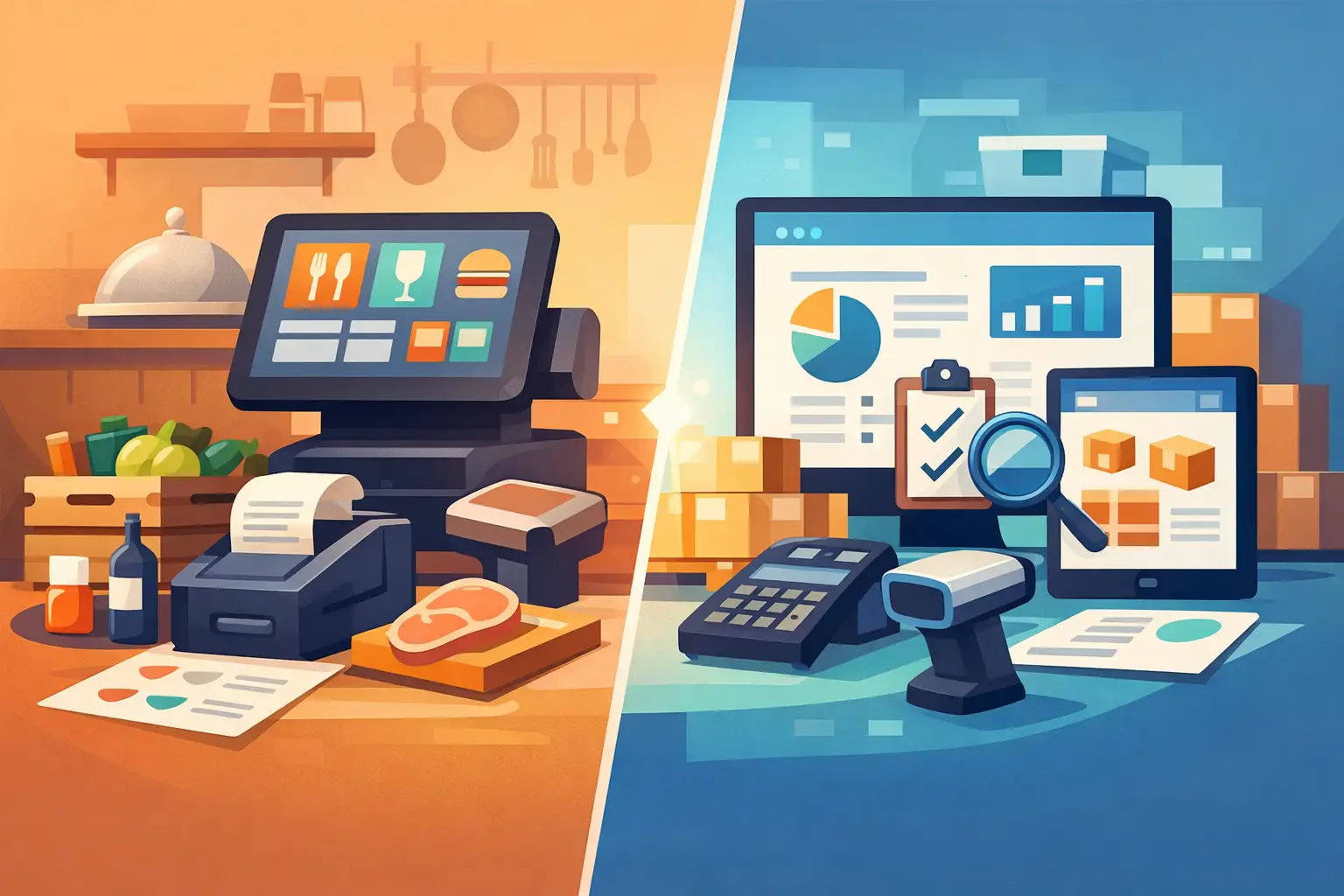
Restaurant Inventory Software vs. POS Tools
Most point-of-sale systems now offer some version of an inventory add-on, and it's a reasonable first question: if the POS inventory tool is already there, why look at dedicated inventory software at all? The answer comes down to what each one is actually built to measure, and where that measurement breaks down as a restaurant grows.
TL;DR
- POS-bundled inventory tools are typically built around sales-triggered depletion — deducting ingredients automatically based on what the register recorded as sold.
- That model assumes a sale maps cleanly to a fixed recipe, which breaks down against portioning drift, comps, waste, and staff meals that never register as a sale.
- Dedicated inventory and recipe costing software is built around physical counts and recipe cost as the source of truth, independent of what the POS recorded.
- Dinezy runs as a standalone, count-based system — it doesn't integrate with any POS, by design rather than by limitation.
What POS-Bundled Inventory Tools Are Built to Do
A POS system's core job is processing transactions. Its inventory feature, where one exists, is generally an extension of that: when an item is rung up, the system looks up the recipe attached to that menu item and deducts the corresponding quantities from on-hand inventory automatically.
This can work well for businesses where a sale genuinely does map to a fixed, predictable set of components — a retail product with a defined bill of materials, for instance. Applied to a restaurant, it depends on an assumption that doesn't hold up well in a working kitchen: that every sale of a menu item consumed exactly the recipe quantity, no more, no less.
Why Sales-Triggered Depletion Drifts From Reality
A restaurant sale and ingredient consumption aren't the same thing, for reasons that have nothing to do with how good the POS software is:
- Portioning drift — a burger built slightly heavier or lighter than the recipe spec, multiplied across every sale of that item.
- Comps and discounts — a manager comp or a promotional giveaway moves inventory without necessarily being recorded the same way a full-price sale is.
- Waste and spoilage — product that never reaches a customer doesn't register as a sale, but it still needs to come out of inventory.
- Staff meals — food made from the same ingredients as menu items but not rung in as a sale.
Each of these breaks the link between "one sale recorded" and "one recipe's worth of ingredients consumed." A POS-bundled tool inherits this gap regardless of how well-built the software itself is — see restaurant POS vs. operations software for a deeper look at why this is a structural limitation rather than a missing feature.
What Dedicated Inventory Software Does Differently
Dedicated inventory and recipe costing platforms are generally built around a different source of truth: a physical count, entered by a team member and reviewed by a manager, rather than a back-calculation from sales data. Recipe cost is calculated directly from ingredient prices and batch yield, independent of how many units the POS recorded as sold.
This approach doesn't require POS integration to function, which also means it isn't limited by whatever depletion logic a given POS provider has built. For a full look at what a count-based system actually gives you day to day, see restaurant inventory management software: a complete guide.
When the Bundled Tool Might Be Enough — and When It's Worth Looking Further
A few signals suggest a POS-bundled inventory tool is probably sufficient for now:
- A single location with a small, stable menu and low ingredient price volatility.
- Inventory tracking is mostly used for a rough sense of stock levels, not for precise recipe costing or margin analysis.
Signals it's worth evaluating a dedicated tool instead:
- Ingredient prices change often enough that recipe costs need to stay current, not just approximately right.
- You're managing more than one location and need a consistent counting process across all of them.
- You've noticed inventory numbers drifting from what the POS says should be on hand, without an obvious cause.
- Recipe cost accuracy directly affects menu pricing decisions, not just a background inventory estimate.
Frequently Asked Questions
Can't I just use the inventory tool that's already built into my POS? For a single location with a simple, stable menu, the bundled tool may cover what you need. Once ingredient prices shift often or inventory numbers start drifting from what sales-triggered depletion predicts, a count-based, recipe-cost-driven system gives you a more reliable number to work from.
What's the real difference between sales-triggered depletion and count-based tracking? Sales-triggered depletion estimates inventory by deducting recipe quantities every time a sale is recorded, assuming each sale used exactly the recipe amount. Count-based tracking measures what's actually on the shelf through a physical count, so portioning drift, comps, waste, and staff meals — all of which never show up cleanly in sales data — don't quietly distort the number.
Do I need to switch POS systems to use dedicated inventory software? Dedicated inventory tools like Dinezy typically run independently of your point-of-sale system rather than plugging into it, so there's no POS switch required. Inventory, recipe costing, and counts operate on their own, alongside whatever POS you already use for transactions.
Is a dedicated inventory tool worth it for a single small restaurant, or only for multi-location groups? Both a single restaurant and a multi-location group can benefit, for different reasons. A single location gets more accurate recipe costing and a cleaner picture of where food cost is actually going. A multi-location group gets that plus a consistent counting process that runs the same way across every store, whether or not an owner is on site that day.
Key Takeaways
- POS-bundled inventory tools generally rely on sales-triggered depletion, deducting recipe quantities automatically when a sale registers.
- That model assumes sales map cleanly to ingredient consumption, which breaks down against portioning drift, comps, waste, and staff meals.
- Dedicated inventory software uses physical counts and recipe cost as the source of truth, independent of POS sales data.
- Dinezy runs standalone and doesn't integrate with any POS — a deliberate design choice, not a missing integration.
Dinezy calculates recipe cost from ingredient prices and batch yield, and tracks inventory through physical counts — independent of whatever your POS records as sold. Try Dinezy free at dinezytech.com.