
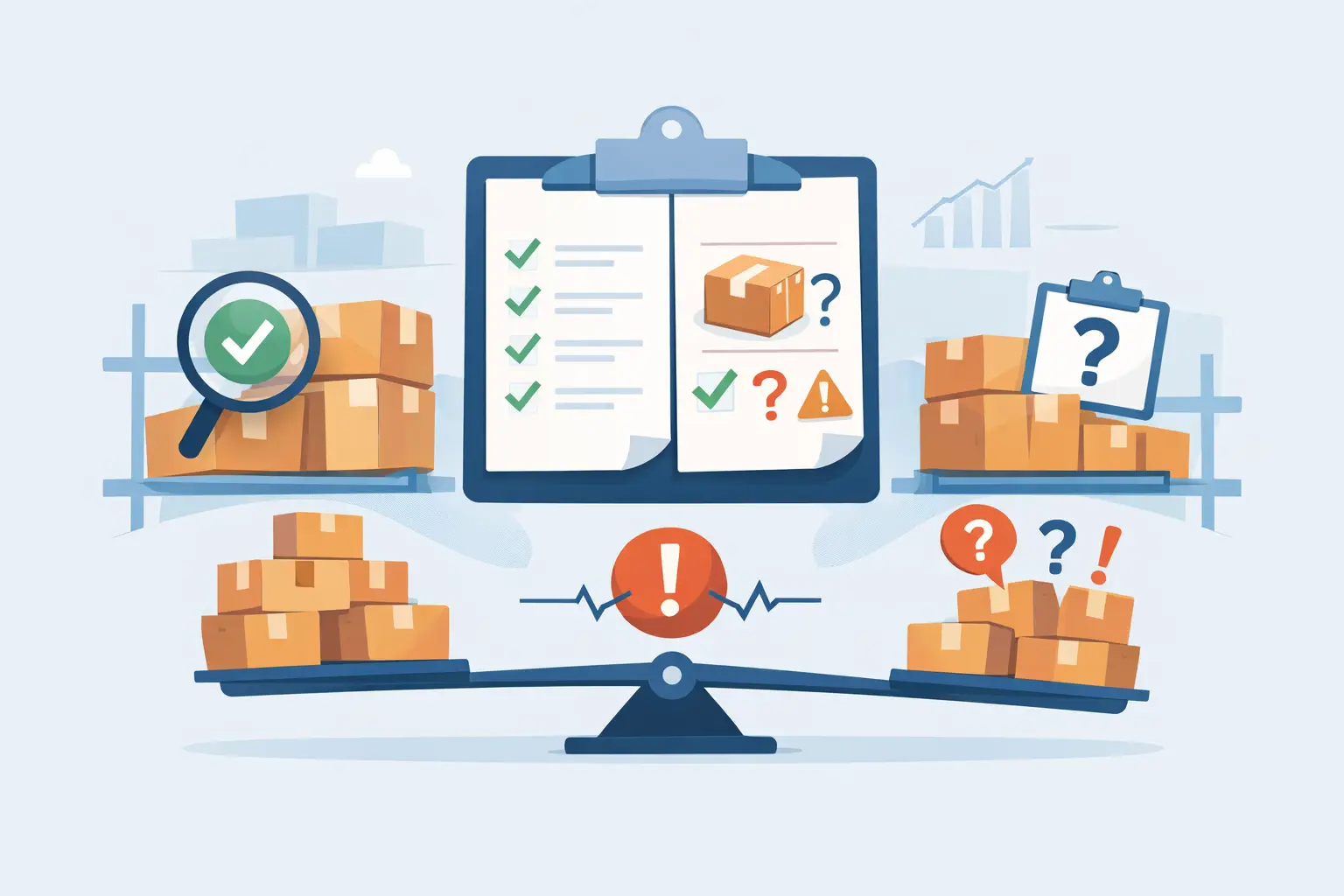
When an Inventory Count Doesn't Match Purchases
Your Friday count comes back showing 127 pounds of coffee beans in the dry storage room. Nobody disputes the number — the same team member counts that shelf every week, and 127 is what's actually stacked there. But when you pull up the purchase records for that item, every batch on file only adds up to 120 pounds. The other 7 pounds are sitting on your shelf, fully real, with no receipt anywhere that says what they cost you.
This isn't the same problem as "the count looks wrong." The count is fine. What's broken is the link between a quantity you can see and a price you can prove.
This is one link in a longer chain — see Restaurant Inventory Valuation: The Complete Guide for how count reconciliation fits with clean purchase records, FIFO, and weighted-average pricing.
TL;DR
- Inventory value isn't "quantity × today's price" — it's quantity × the price of the specific purchase batches that quantity actually came from.
- When a count reports more units than purchase records can account for, there's no batch left to price the excess against — the value for that portion is genuinely unknown, not just hard to find.
- Guessing a cost for that gap (using the latest price) or ignoring it entirely both hide the same underlying problem — showing it as an exact unexplained quantity is what actually lets you fix it.
- Dinezy flags this as a "Data gap," shows the precise unexplained quantity, and lets you add the missing purchase record to resolve it.
Why the Dollar Value Breaks Before the Quantity Does
A stock count answers one question: how much is physically here. A team member walks the shelf, counts, and submits a number. That number can be trusted the same way any count can be trusted — someone looked and counted.
Inventory value answers a different question: what did the stuff that's here actually cost. And that question can't be answered by looking at the shelf. It has to be answered by looking backward, at the purchase records for the batches that quantity supposedly came from. A pound of coffee beans doesn't carry a price tag on the shelf — its price only exists in the invoice for the delivery it arrived in.
That's why a count and its dollar value can diverge in a way that a simple "the numbers don't match" doesn't capture. The quantity can be 100% accurate and the value can still be unavailable, because accuracy and traceability are two different things. If you want the general process for investigating a count discrepancy — checking recounts, movement records, and recipe execution — restaurant inventory variance analysis walks through that five-step process in full. This is a narrower, more specific problem: what happens to the cost side specifically when a quantity can't be traced to a batch at all.
How Inventory Value Actually Gets Calculated
To see why a gap breaks the cost calculation and not just the count, it helps to walk through how inventory value works when everything does trace back cleanly.
Say you've purchased coffee beans in three batches, at three different prices:
- Lot A: 50 lbs, purchased at $10/lb
- Lot B: 40 lbs, purchased at $20/lb
- Lot C: 30 lbs, purchased at $30/lb
That's 120 lbs on file across the three lots. Inventory value isn't "whichever price you'd guess is current" — it's the weighted average of what's actually still on hand:
Inventory value = Σ (quantity remaining in each lot × that lot's unit price)
If all 120 lbs are still on the shelf: (50 × $10) + (40 × $20) + (30 × $30) = $500 + $800 + $900 = $2,200, for a weighted average cost of $18.33/lb. That's the number that reflects how the stock was actually bought — not the $30/lb of the most recent delivery, not the $10/lb of the oldest one, but a blend of both.
What Happens When the Purchase Records Run Out
Now go back to the Friday count. The purchase records account for 120 lbs across Lots A, B, and C. The count says 127 lbs. Those extra 7 lbs don't belong to Lot A, B, or C — every pound in those three batches is already accounted for in the 120. There's no fourth lot on file to attribute the difference to, which means there's no unit price to multiply those 7 lbs by.
This is different from the everyday case of a shelf running low. When a count comes in short, the system knows exactly which batch gets drawn down first — FIFO draws from the oldest lot on hand before touching a newer one, so a short count still has a clear cost basis for whatever's left. A gap going the other direction — more units counted than purchases explain — has no equivalent rule to fall back on, because there's no lot to point to in the first place. The problem isn't which batch to charge; it's that no batch exists yet.
The Two Wrong Ways to Handle an Unexplained Quantity
Most inventory tools handle this moment one of two ways, and both quietly get it wrong.
Option one: price the extra units at the latest known cost. The 7 unexplained pounds get valued at $30/lb — the newest lot's price — because it's the only number on hand. The count reconciles, the report looks complete, and the total inventory value shown is simply wrong, with no indication that it's a guess.
Option two: don't flag anything at all. The count gets accepted, the total climbs by 7 lbs, and the value line either gets rounded into the weighted average or just isn't checked closely enough for anyone to notice the batch math doesn't add up. Nothing looks broken, which is exactly the problem — a real gap in your purchasing or receiving records sits there undetected.
Neither of these is a rounding error. Both replace a genuine unknown with a number that looks confident and isn't. A false $210 (7 lbs × $30) is worse than no number at all, because it's the kind of figure that ends up in a food cost calculation and quietly throws off the result.
How Dinezy Flags a Data Gap
Dinezy's inventory records already separate the two questions a count answers — how much is here, and what it's worth — because value is calculated from the specific purchase batches on file for that item, using the weighted-average method above, not a single current price.
When a count reports more units than existing purchase batches can account for, Dinezy doesn't pick a price for the difference. It shows the gap directly: the exact quantity that's unexplained, and the fact that the quantity itself is still trusted even though its value isn't available yet. On that item's historical chart, the value line doesn't quietly absorb a guessed number — it reflects only what can actually be priced.
From there, resolving the gap is a specific action rather than a mystery: you add the missing purchase batch — the delivery, receipt, or lot that accounts for those extra units — and Dinezy applies its price to close the gap. That might turn up a delivery that was never entered, a transfer from another location that wasn't logged as a purchase, or a count that needs a second look. Which one it is isn't something Dinezy determines for you — a stock count discrepancy can come from waste, portioning errors, an unrecorded purchase, or a miscount, and figuring out which cause applies is still on you. What Dinezy gives you is the exact size and location of the gap, so that investigation starts with a number instead of a hunch.
Frequently Asked Questions
Does Dinezy tell me what caused a count discrepancy — waste, a portioning error, or a bad count? Dinezy flags exactly where a count diverges from your purchase records, down to the precise unexplained quantity, so you're not starting an investigation from scratch. Determining the actual cause — waste, a portioning error, an unrecorded purchase, or a miscount — is a judgment call you make using that information, since Dinezy doesn't reconstruct it automatically.
Does Dinezy make up a cost for units it can't trace to a purchase? Dinezy prices every unit of inventory against the specific purchase batch it came from, using a weighted average across whatever's still on hand. When a count reports more units than any batch can account for, that portion doesn't get assigned a price at all — it shows up as an exact, unexplained quantity instead of an estimated dollar figure.
What happens to an item's value chart when there's a data gap? The chart reflects only the value that can actually be verified from purchase records, so a gap stays visible as a break rather than getting smoothed over with a guessed number. Once the missing purchase batch is added, the chart updates to reflect the resolved value.
How do I actually close a data gap once Dinezy shows me one? You add the missing purchase batch for that item — the delivery or lot that accounts for the extra quantity — and Dinezy applies that batch's price to the units that were previously unexplained, closing the gap on that item's record.
Is this the same as doing a full inventory variance investigation? No — this is a narrower piece of a full variance investigation, specifically what happens to an item's dollar value when a quantity can't be traced to a purchase batch. For the broader process of investigating any kind of count discrepancy, including recounts and movement records, restaurant inventory variance analysis covers the full five-step approach, which pairs well with the count-based inventory records a data gap depends on.
Key Takeaways
- Inventory value is quantity × the price of the specific purchase batches that quantity came from — not quantity × today's price.
- A count can be fully accurate while its dollar value is genuinely unknown, because accuracy (what's on the shelf) and traceability (what batch it came from) are two different things.
- When a count exceeds what purchase records can account for, there's no lot to price the excess against — pricing it anyway just hides an unresolved gap behind a confident-looking number.
- Dinezy shows the unexplained quantity as an exact figure instead of guessing at a cost, and resolving it means adding the missing purchase record rather than accepting an estimate.
Dinezy prices every unit of inventory against the purchase batch it actually came from, and when a count reports more than those batches can explain, it shows you the exact quantity that's unaccounted for instead of guessing at what it's worth. Try Dinezy free at dinezytech.com