
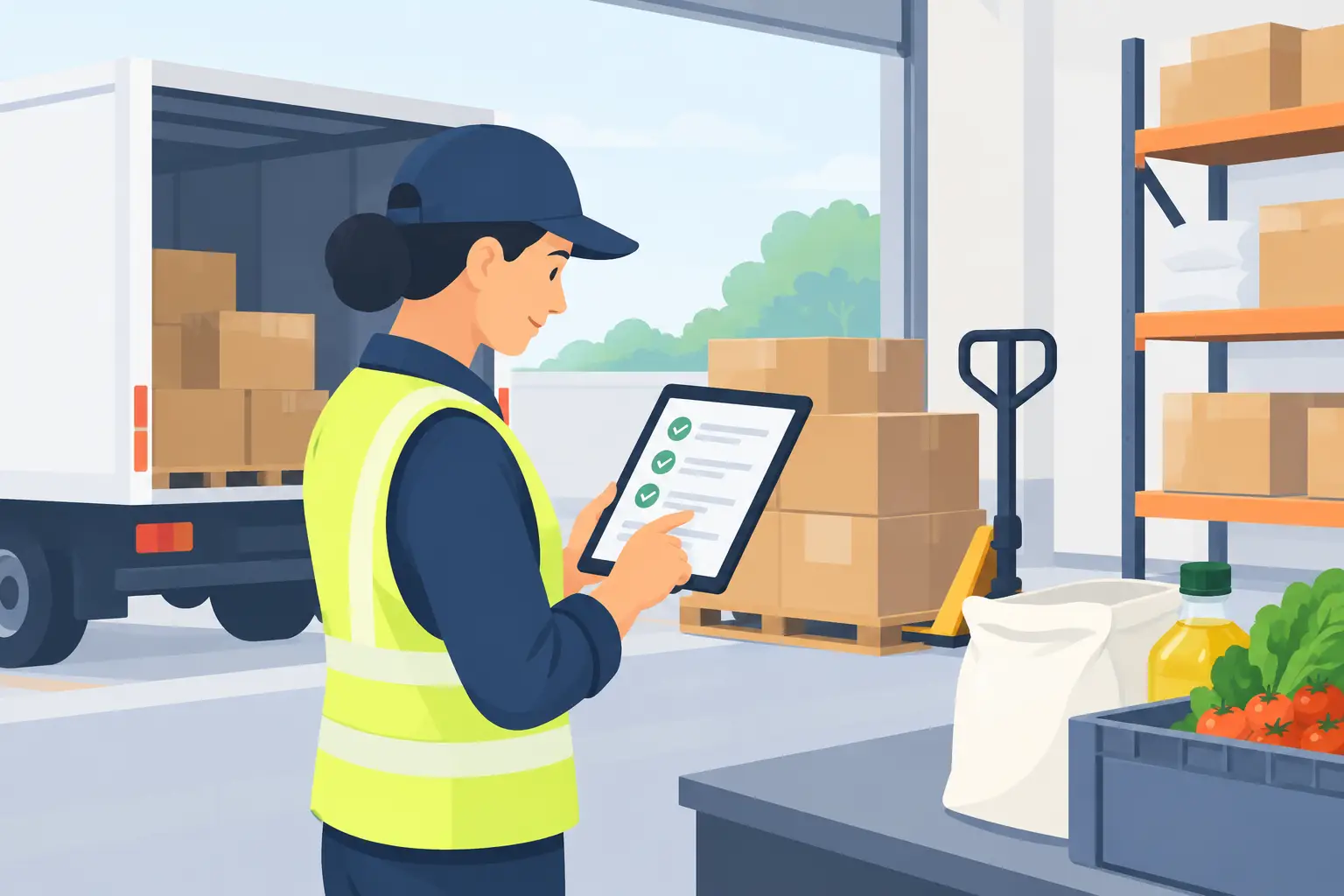
How to Record Ingredient Deliveries at Receiving
The truck pulls up at 7:40, right when prep is starting. Whoever is closest to the back door signs the invoice, the cases get carried into the walk-in, and the paperwork goes into a drawer "to deal with later." Three weeks later, a count comes up short on chicken, the price on the invoice doesn't match what the recipe assumes, and nobody can say whether the shortage came from the kitchen or from the delivery itself.
The delivery is the one moment when cost and quantity enter your restaurant from outside. If it isn't recorded properly at that point, every number downstream inherits the gap: inventory value, food cost, even the price you think you're paying.
This is the front end of a longer chain. See Restaurant Inventory Valuation: The Complete Guide for how delivery records feed FIFO, weighted-average pricing, and count reconciliation.
TL;DR
- Record each delivery at the door or the same day, with the invoice in hand. A delivery entered a week later is reconstructed from memory.
- Every delivery record needs the item, the quantity in the unit your kitchen counts in, the unit price, any freight or other fees recorded in their own field, the supplier, the arrival date, and a use-by date for perishables.
- Settle shorts, damage, and substitutions before the driver leaves. After that, a credit is a favor rather than a right.
- Put new stock behind old stock and date what you receive, so the oldest delivery is used first.
- The record is what lets you explain a count gap later. Counts tell you what is on the shelf; delivery records tell you what came in and at what cost.
Why Deliveries Are the Weakest Link in Restaurant Records
Receiving is where the least attention meets the most consequence. A delivery lands mid-prep. The person accepting it is usually also doing something else. The invoice is the supplier's document, formatted the supplier's way, with the supplier's item names, so nothing about it matches how your own records are organized.
None of this is a discipline problem. It is a timing problem. The moment when the record is easiest to get right (the driver is there, the cases are open, the invoice is in your hand) is also the moment when everyone is busiest. Restaurants that record deliveries well don't rely on people having free time at 7:40. They make the receiving routine short enough to survive a busy morning.
What a Delivery Record Needs to Capture
A useful delivery record is small. Seven fields do most of the work:
- Item. The ingredient as it is named in your own records, not as the invoice spells it. If your naming conventions are still loose, start with how to clean up your restaurant purchase records.
- Quantity received. In the unit your kitchen counts in, and the quantity that actually arrived, not the quantity that was ordered.
- Unit price. The product's price per unit after any credit, not the invoice's headline total.
- Freight and other fees. Recorded separately from the unit price, and expressed per unit so they can be added to it. Under normal conditions, keep them apart rather than folding them into the product price. Otherwise a fuel surcharge looks like a permanent price increase the next time you review your history. The exception is when freight, import charges, or other direct costs of getting the ingredient to your door are large relative to the ingredient itself, as with frozen goods or imported products. In that case, include them in the ingredient's landed cost (the total cost of the ingredient once it has arrived) so you don't understate what it really costs you.
- Supplier. The same supplier name every time, so prices can be compared across deliveries.
- Arrival date. The day the product arrived, which is not always the invoice date.
- Expiration or use-by date for perishables, so the team can see which delivery to open first.
If a delivery doesn't match what was expected, record the exception too: what was short, damaged, or substituted, and what credit was agreed.
A Six-Step Receiving Routine
1. Check the delivery against your order and the invoice before you sign. Confirm the items and pack sizes are what you ordered. Signing first and checking later removes most of your leverage.
2. Inspect what arrived. Look at condition, check date codes, and take temperatures on anything that must stay cold or frozen. Product that fails on arrival is refused at the door, not discovered in the walk-in.
3. Count or weigh in your counting unit. If the supplier sells by the case and your kitchen counts by the pound, weigh or convert at the door and write the result down. The conversion is only easy to do while the case is still in front of you.
4. Settle exceptions before the driver leaves. Short weight, damaged cases, and substitutions are resolved on the invoice at the door. Note the difference and get the credit or correction documented, then record what you actually received.
5. Record the delivery the same day, with the invoice in hand. Enter the item, quantity, unit price, freight and other fees, supplier, and arrival date. Batching a week of invoices means guessing at the details of every one of them.
6. Put the product away with the oldest in front and date what you received. New stock goes behind existing stock. This is the physical half of first in, first out, and it only works if each delivery is dated when it arrives.
A Worked Example: One Short Delivery
Suppose an invoice lists 80 lb of chicken thighs at $2.10 per pound, plus $9.00 in delivery fees. When the cases are weighed at the door, 74 lb arrived, and one case was 6 lb light.
- What you should be charged for: 74 lb × $2.10 = $155.40 for product.
- Unit price: $2.10 per lb. This is the number to compare against your last delivery.
- Delivery fees per unit: $9.00 ÷ 74 lb = about $0.12 per lb, recorded separately from the unit price.
- Landed cost per pound: $2.10 + $0.12 = about $2.22. For a low-cost item like this, you might record only the $2.10. For frozen or imported product where freight is a larger share of the price, the $2.22 is the number that reflects what the ingredient really costs you.
If the short weight is caught at the door and the invoice is corrected, the record is clean. If it's caught three weeks later, you have a 6 lb gap in the count, an invoice that says 80 lb, and no way to tell whether the chicken went missing in the kitchen or never arrived. That is the practical difference between a delivery record and a filed invoice.
Why Doing This by Hand Eventually Breaks Down
A paper log or spreadsheet can hold every field above. What it can't do is enforce them. Nothing stops one person from writing "chicken thigh" and another from writing "CHKN THGH BNLS 40#." Nothing stops a freight charge from being typed into the price column. Nothing links this week's delivery to last month's price for the same item, so a real price movement is invisible until someone rebuilds the history.
Dinezy gives every delivery a structured purchase record instead of a pile of paper invoices and texted photos. The item and supplier are picked from that item's own list rather than typed freehand, so a new entry can't quietly create a fifth spelling of an ingredient you already track. Each record carries the quantity, a Unit Price, an Other Price for freight and other fees, an Arrival Date, and an optional Expiration Date, and you can filter the whole history by item, supplier, or date range to see every delivery of one ingredient lined up together. For whatever you've filtered, Dinezy totals the purchase amount and shows the value of what is still on hand, allocated from the oldest deliveries first, so you can see what a period's deliveries cost and how much of it is still on the shelf without adding up invoices by hand.
The two price fields work together. Other Price is entered per unit and added to the Unit Price, and that combined figure is the landed cost Dinezy uses for the item's inventory value and for the cost of every recipe that uses it. That means the choice in field 4 above is simple to apply: enter freight and fees in Other Price when they materially change what the ingredient costs you, and leave it at zero when they don't. Either way, the Unit Price stays clean, so you can still compare the product's price across deliveries.
This is a deliberate choice: Dinezy is built to show you what your kitchen really costs to run, not to replace your accounting system. If freight materially changes what an ingredient costs, recording it in Other Price means it flows into your recipe costs, so you don't set menu prices on a cost that is lower than reality. And when you later want to know why an ingredient's cost looks the way it does, you can search that item's purchase records and see the Other Price on the exact delivery in question.
Those dated purchase records also matter later. When a count comes up short, Dinezy's counting follows FIFO principles and uses the oldest purchase batches first. And because recipe costs are built from your purchase records, a delivery recorded at a new price flows into every recipe that uses that ingredient automatically. If a price was entered wrongly, authorized users can correct it on the purchase record itself, and the affected recipe costs recalculate. Recipe costs and recipe ingredient prices can't be overridden by hand, which keeps every recipe tied to what you actually paid. What Dinezy leaves to your team is the judgment at the door: whether the delivery is acceptable, and what the short weight is worth.
Frequently Asked Questions
How soon after a delivery should I record it? The same day, ideally at the door with the invoice in hand. Details like which case was light, what the substitute was, and what credit was promised are easy to recall on delivery day and hard to reconstruct a week later. A short receiving routine that happens every time works better than a thorough one that gets postponed.
Should the person who receives the delivery also enter the price? It depends on who your restaurant trusts with cost data. Many operators have the person at the door confirm the item and quantity, and have a manager confirm the price against the invoice. What matters is that someone is clearly responsible for each field, so a delivery is never recorded with a price nobody checked.
What should I do when a supplier substitutes a product? Decide at the door whether the substitute is acceptable, and record it as a distinct item or with a clear note on the invoice rather than folding it into the original ingredient. A substitute can change the pack size, yield, and cost per unit, and it should not silently overwrite the price history of the item it replaced. Verified price changes are covered in how to track food supplier price changes.
If I already do regular inventory counts, do I still need delivery records? Counts and delivery records answer different questions. A count tells you what is on the shelf right now. The delivery record tells you what came in, when, and at what cost. Without it, a count that doesn't match expectations can't be traced to a cause. See when an inventory count doesn't match purchases for how the two are compared.
Key Takeaways
- Deliveries are where quantity and cost enter your restaurant, so an unrecorded or badly recorded delivery weakens every number that follows.
- Capture seven fields every time: item, quantity received, unit price, freight and other fees, supplier, arrival date, and expiration date for perishables.
- Keep freight and fees separate from the unit price, but include them in landed cost when they are large enough to change what the ingredient really costs.
- Check the delivery against your order and invoice before signing, and settle shorts, damage, and substitutions before the driver leaves.
- Record deliveries the same day. Entries made from memory a week later are where most cost errors start.
- Date what you receive and put the oldest stock in front, so first in, first out works in practice as well as on paper.
Dinezy gives every delivery a structured purchase record (item and supplier picked from that item's own list, quantity, Unit Price, Other Price for freight and fees, and Arrival Date) so the history behind your counts and recipe costs sits in one filterable place instead of a drawer full of invoices. Try Dinezy free at dinezytech.com