
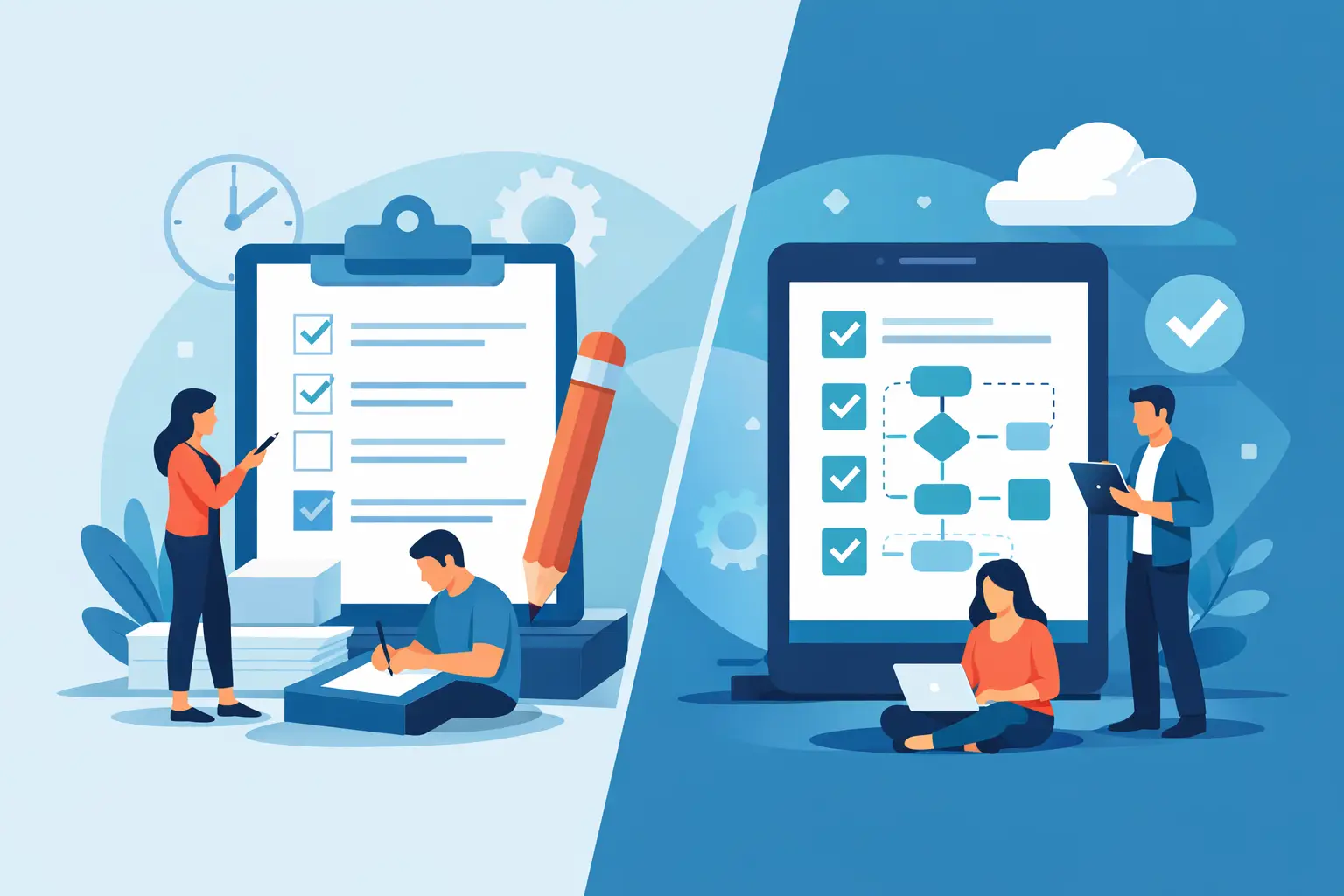
Paper Checklists vs Digital Procedures Compared
A closing checklist can look perfect at 5:42 p.m. and still tell you nothing about whether the line was actually cleaned, whether a new hire actually read the safety policy they signed for, or whether a prep issue was handled before service. That is the central problem in paper checklists vs digital procedures for restaurants: the format does not just change where work is recorded. It changes what managers can verify, correct, and repeat.
Paper has earned its place in restaurant operations. It is familiar, inexpensive, and easy to put in front of a new team member. But as a restaurant adds shifts, managers, menu complexity, or locations, a stack of signed sheets becomes an operating blind spot. The question is not whether paper is bad. It is whether paper gives your operation enough control for the standards you expect it to maintain.
Where Paper Checklists Still Work
Paper works well when the task is simple, immediate, and local. A single prep station can use a short par sheet or a one-time cleaning task list without creating much administrative burden. A laminated temperature guide near a reach-in can also be useful as a visual reference, even when the formal record lives elsewhere.
The strength of paper is friction. There is almost none. A team member can grab a clipboard during a rush, make a mark, and keep moving. For a small operation with one manager who reviews every sheet every day, that may be enough.
A paper checklist becomes weak when a manager needs to answer a basic operational question: Who completed this? Was it completed on time? Did the required standard change? Which location has responded to the update? A signature at the bottom of a page rarely provides a reliable answer.
Paper Checklists vs Digital Procedures: The Operating Difference
The meaningful difference between paper checklists and digital procedures is not the screen. It is the accountability model behind the screen.
Paper records an event after the fact. Digital procedures can create a defined workflow: the right task, for the right role, at the right location, with completion status visible to the people responsible for the result. That structure matters when the owner is not in the building and the manager cannot personally inspect every task.
Consider a recurring opening procedure. On paper, a manager may find a completed form at the end of a shift, notice a vague initial, and hope the checks were done. In a digital system, the procedure can be assigned to the appropriate user, organized by location, and reviewed as part of the day’s operating record. The goal is not to burden employees with more administration. It is to make the standard visible before a missed task becomes a guest issue, a stockout, or a preventable cost problem.
Digital procedures also make updates more controlled. A revised allergen handling process, a new plating standard, or a changed receiving step should not depend on whether someone remembered to replace the old sheet in every binder. Posted once through Dinezy's Bulletin Board and targeted at the right role or location, the update reaches everyone it should — including anyone who joins the team afterward, since that targeting is evaluated live rather than frozen at the moment of posting — while operations leaders see response rates by location instead of hoping the binder got updated everywhere.
What Each Format Costs You
Paper looks cheaper because the direct expense is minimal. The hidden cost appears in manager time and inconsistent execution. Someone has to print forms, distribute them, chase missing pages, read handwriting, file completed sheets, and determine whether a completed box represents completed work. When a problem repeats, finding the relevant record can take longer than solving the problem should have taken.
Digital procedures require a different investment: setup, clear ownership, and disciplined adoption. A bad digital checklist is still a bad checklist. If it contains vague items such as “check kitchen” or “make sure prep is done,” moving it to an app will not create better execution. The procedure must define the standard, the action, and the proof a manager needs to review.
There is also a training trade-off. Longtime employees may prefer paper because it feels familiar. That preference deserves respect, but familiarity should not outweigh control. The better approach is to keep the workflow simple, explain why the process matters, and remove duplicate work. If staff must complete a digital checklist and then repeat the same record on paper, the system will feel like busywork because it is busywork.
The Restaurant Tests That Matter Most
When deciding between paper and digital, evaluate the process against the failures that cost your operation time and margin.
Consistency Across Shifts and Stores
A paper form can be consistent in theory but drift quickly in practice. One shift adds a handwritten note. Another uses an outdated version. A third cannot find the clipboard and completes nothing. The more locations you operate, the more those local workarounds become invisible.
Digital procedures create one source of truth. Every location can work from the same standard, while leaders retain store-level visibility. This is especially valuable for opening and closing duties, sanitation tasks, onboarding documentation, and any process that affects the guest experience across units.
Manager Review and Follow-Through
Paper tends to create delayed review. By the time a manager sees a sheet, the shift may be over and the corrective action may no longer be useful. Digital records do not replace managerial judgment, but they make the record easier to review, organize, and use in coaching.
That changes the conversation with staff. Instead of asking, “Did this get done?” a manager can address the specific task, the location, and the operating expectation. Accountability becomes factual rather than personal.
Process Changes
Restaurants change constantly. Supplier availability shifts, ingredient costs change, recipes are adjusted, and operating standards evolve. If a procedure changes, every old paper version is a risk. One outdated receiving instruction or prep spec can create waste, portioning errors, or inconsistent food quality.
A digital procedure makes current guidance available in the same system where the team executes daily work. That does not eliminate the need for training. It prevents the avoidable problem of training people on a standard that no longer applies.
Auditability
Compliance-sensitive procedures need to support more than memory. Opening and closing duties, safety policies, and standards that affect the guest experience all need a dependable operating record. Paper can provide documentation, but proving who saw a standard, and when, is difficult to search, compare, and audit once a stack of signed sheets grows past a few weeks.
Onboarding is where this shows up most in an industry with the turnover restaurants have. A new hire needs handbook policies, food-safety basics, and a handful of store-specific rules — and every time a restaurant hires someone, an owner is either reprinting that packet or hunting down whichever version still happens to be sitting on the shared drive. Posted once as a Bulletin Board announcement targeted at every employee, that same packet appears automatically in a new hire's dashboard as soon as they're added to the team, with a required acknowledgement — no reprinting, and no separate step for a manager to remember for each new hire. See employee acknowledgement tracking software for how response tracking works once a standard is posted.
Digital records also make it easier to spot patterns yourself: a location that repeatedly falls behind on a procedure, a task that is consistently skipped, or a standard that needs to be rewritten because the team is misunderstanding it. The value is not data for its own sake. It is the ability to intervene with evidence instead of a hunch.
When a Hybrid Approach Makes Sense
Most restaurants do not need to eliminate every piece of paper overnight. A hybrid model often works during transition. Keep printed quick-reference materials where speed matters, such as equipment instructions or emergency contacts. Move recurring procedures, manager reviews, storewide standards, and records you need to retrieve later into a digital system.
Start with the process that creates the most operational drag. For one restaurant, that may be opening and closing checklists. For another, it may be onboarding and new-hire documentation. Multi-unit groups often start with SOP updates because inconsistent adoption across locations becomes expensive fast.
Do not digitize every line item without review. First, remove tasks that do not drive a meaningful operational outcome. Then rewrite the remaining tasks in clear language. “Verify line setup against prep requirements” is more useful than “check line.” The best procedures tell people what good looks like and give managers a record they can act on.
Build Procedures That Run Without You
The goal is not to monitor every employee more closely. The goal is to build an operation that runs the same on the days you are not in the store.
That requires procedures that are specific enough to execute, simple enough to use during service, and visible enough to manage across locations. It also requires making sure every new hire, every shift, and every location is working from the same standard — not whatever version happened to survive in someone's binder — and catching missed work before it becomes routine.
Dinezy brings daily procedures and checklists together with a Bulletin Board for announcements and acknowledgements and multi-store visibility into one operating system. Whether you adopt a platform now or later, the standard should be the same: stop accepting a checked box as proof. Build records that give your team clarity and give managers control.
Frequently Asked Questions
How do I replace paper checklists with a digital system? Start with one process — usually opening and closing checklists, since they run every shift and the drag from paper is most visible there. Recreate the exact same steps in a digital checklist app rather than redesigning the process at the same time, assign each item to a role or person, and set a deadline so completion is tracked automatically instead of relying on someone remembering to file the paper sheet. Once that first checklist is running reliably, move the rest of your paper processes — SOPs, prep lists, closing procedures — over the same way.
Do employees need training to switch from paper to digital checklists? Keep the task itself simple and explain why it matters, and most teams adapt quickly — the format changes where work is recorded, not how complicated the work is. Longtime staff who prefer paper deserve that preference respected, but the underlying standard should still be visible and reviewable.
Should a restaurant switch every paper process to digital at once? Most operations do better starting with whichever process creates the most drag — often opening and closing checklists for a single restaurant, or SOP updates for a multi-unit group — and moving the rest over once that first one is running well.
What's the difference between a Checklist task and a Bulletin Board post in Dinezy? A Checklist item is assigned to a specific person with a deadline and tracked to individual completion — it's built for repeatable, per-shift task lists like opening and closing duties. A Bulletin Board post targets an audience instead — everyone, a role, a store, or a specific individual — and tracks acknowledgement or response rate rather than a task list, which fits policies, announcements, and one-time documents like a new-hire packet better than a checklist does.
Key Takeaways
- The real difference between paper and digital isn't the screen — it's whether a manager can verify who did what, on time, without relying on a signature.
- Paper still works for simple, local, immediate tasks; it breaks down once a restaurant adds shifts, managers, or locations.
- A bad checklist moved to an app is still a bad checklist — the procedure has to define the standard and the action, not just the format.
- Digital procedures create one source of truth across locations, with response rates by store instead of a stack of signed sheets to chase down.
- Most restaurants don't need to digitize everything at once — start with the process creating the most operational drag.
Dinezy pairs assignable checklists with a Bulletin Board that targets the right audience automatically — post a policy once, and everyone who matches that audience, including hires who join later, sees it and is expected to acknowledge it. No reprinting a packet for every new hire, no separate thread to track who's seen what. Try Dinezy free at dinezytech.com.