
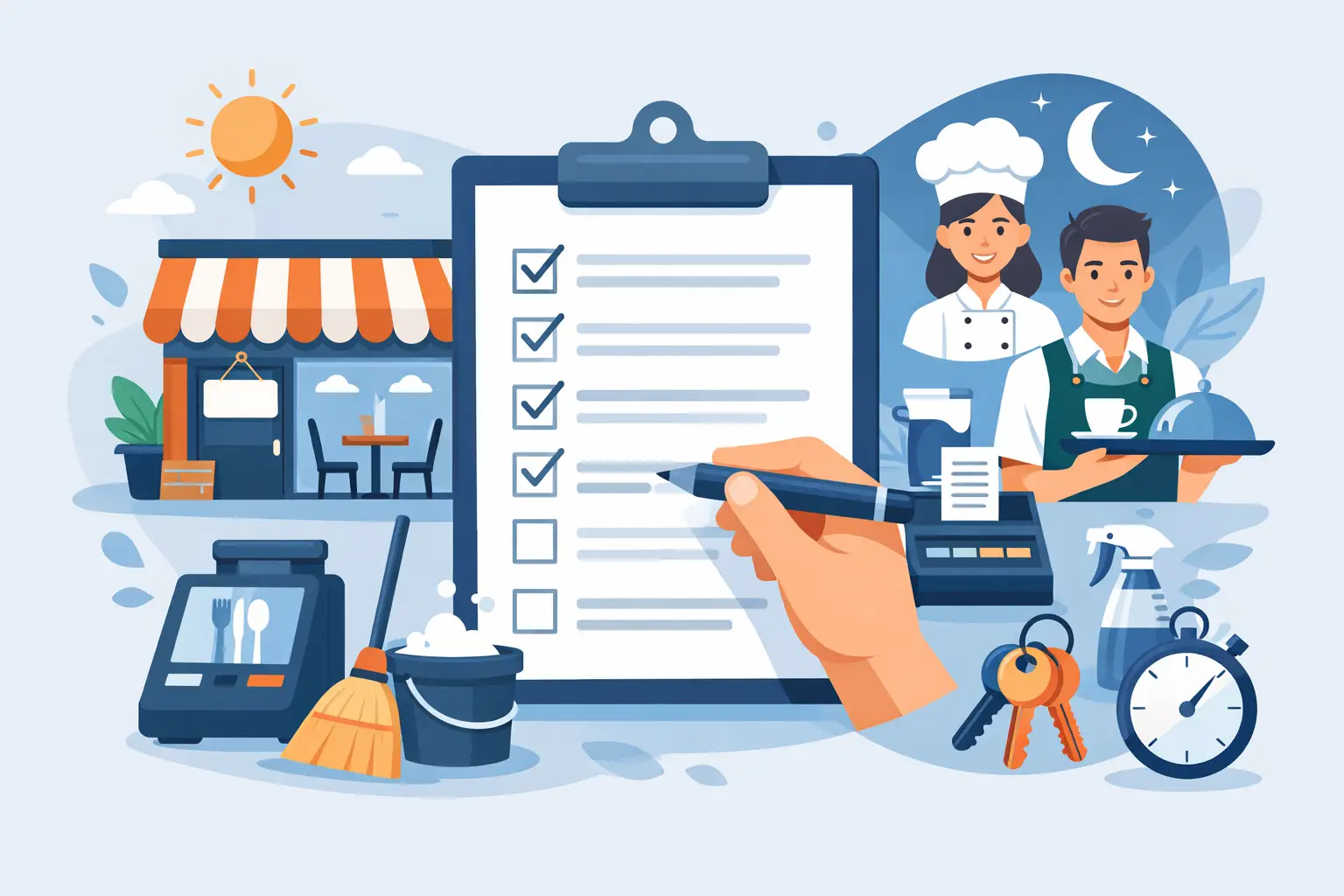
Restaurant Opening Closing Checklist App
The first guest notices the result of opening work long before they see a checklist. They notice a clean entry, stocked restrooms, ready tables, correct music, a prepared bar, and a team that knows the plan. A restaurant opening closing checklist app makes that standard visible before service starts and verifiable after the doors close.
Paper checklists can document a routine, but they rarely prove whether the routine was completed correctly, by the right person, at the right location, or reviewed by a manager. Group chats create noise without a record. A structured checklist system turns recurring tasks into accountable operating work that runs the same on the days you are not in the store.
What a Restaurant Opening Closing Checklist App Should Control
Opening and closing are not simply bookends to a shift. They are control points. Opening determines whether the team begins service prepared. Closing determines whether the next shift inherits a clean, secure, organized operation instead of unfinished work.
The right app should give managers a clear view of completion without forcing them to chase staff for updates. That means each checklist needs a defined owner, a due time, a completion record, and a review process for work that requires management oversight. It should also separate routines by role and location. A host should not have to sort through kitchen sanitation tasks, and one location's closing procedure should not become another location's accidental standard.
For multi-unit operators, this matters even more. A procedure is only a standard when every location can access the same current version and leadership can see where adoption is weak. If a new closing procedure is issued after a recurring issue, the operational question is not whether it was posted. The question is whether each store responded and began using it.
Opening checklists protect the first hours of service
A strong opening checklist starts with readiness, not busywork. It should cover the conditions that affect guest experience, food safety, prep execution, and the day's ability to generate sales.
Front-of-house tasks may include inspecting the dining room, confirming restrooms are ready, setting tables, checking reservation notes, preparing service stations, and reviewing the shift plan. Kitchen tasks may include checking refrigeration conditions, completing required prep, confirming line setup, labeling product, and identifying items that need attention before service. Bar tasks may focus on setup, garnish prep, glassware, and station organization.
The exact tasks depend on the concept. A fast-casual operation needs speed and production readiness. A full-service restaurant may need deeper station preparation and reservation coordination. The point is not to copy a generic list. It is to define the few actions that prevent a compromised opening.
Closing checklists protect tomorrow's margin and standards
Closing work is where small misses become expensive habits. An unlabeled product, incomplete cleaning task, poorly stored ingredient, or missed equipment issue can create waste, delays, and inconsistent execution the next day.
Closing checklists should address sanitation, food storage, equipment shutdown, station reset, trash and recycling, cash-handling procedures where applicable, security, and next-day prep handoff. They should also create a place to record exceptions. A manager needs to know that an ice machine needs service or a delivery arrived short, not discover it during the next rush.
A good checklist app does not replace judgment. It makes judgment easier to document and escalate through the proper operating process. If a task is incomplete, the team should be able to record why rather than checking a box that does not reflect reality.
Build Checklists Around Failure Points
The fastest way to create weak checklists is to list every task anyone has ever done. The result is a long form that staff rush through and managers stop reviewing. Better checklists focus on the failure points that repeatedly hurt service, consistency, safety, or margin.
Start by looking at the last 30 days of operational friction. Where did service begin late? What caused a stockout at the line? Which stations were not clean enough at close? Where did portioning errors occur? What problems keep appearing in manager notes or shift handoffs?
Then write tasks that are observable. "Prepare for service" is vague. "Confirm line is stocked to par and flag shortages before opening" creates a standard someone can verify. "Clean kitchen" is vague. "Complete fryer-filtering procedure and record equipment issue if found" establishes a clearer expectation.
Use one action per task whenever possible. Staff should not have to interpret a paragraph to determine whether they are done. If a task has multiple critical checks, break it into separate items or add clear instructions. This takes slightly longer to build, but it produces better completion data and fewer false positives.
Choose Features That Support Accountability
A checklist app should reduce managerial chasing, not digitize it. When evaluating options, look for controls that match how restaurants actually operate:
- Role-based access so team members see the procedures relevant to their shift and responsibility.
- Task assignment for checklists when a specific user needs clear ownership.
- Due dates and completion status that show what is finished, late, or still open.
- Manager review or approval for work that needs a second set of eyes.
- Location-level visibility so multi-unit leaders can compare execution without relying on phone calls.
- A documented record of completed work, notes, and exceptions for follow-up.
Not every task needs approval. Requiring managers to approve every minor action creates bottlenecks and trains teams to wait for permission. Reserve approvals for controls with operational risk: closing security, key sanitation procedures, critical equipment checks, or end-of-day handoff items.
The same principle applies to assignments. Assigning every task to named individuals can create unnecessary administration in a busy shift. Use assignment where ownership must be explicit. For routine station work, role-based checklists may be more practical. The system should support both without turning operations into paperwork.
Connect Checklists to the Rest of the Operation
Opening and closing checklists are stronger when they are not isolated from inventory, recipes, and operating procedures. A closing task that asks the kitchen to check key items against count-based inventory is more useful when the team can see the current stock picture and low-stock list in the same operating system. An opening prep task has more value when standardized recipes tell the team what "correct" looks like.
This is where Dinezy can serve as a practical command center: checklists create assigned accountability, while count-based inventory, current supplier costs, recipes, and operating records provide the context behind daily decisions. A price change can update recipe costs, giving managers a reason to review portioning or menu execution before margin pressure becomes a monthly surprise.
Keep the workflow disciplined. Inventory counts should be submitted by authorized staff and approved by a manager. Checklist completion should show whether routine work happened. They answer different questions and should not be blended into one vague status update.
Roll Out Without Creating Checklist Fatigue
A new restaurant opening closing checklist app can fail if the rollout feels like one more system imposed on an already busy team. Start with the routines that cause the most operational drag. Build one opening checklist and one closing checklist for a single area or location, test them for two weeks, and refine task wording based on actual use.
Train managers first. They need to know what good completion looks like, when to approve work, how to address incomplete tasks, and how to use records during pre-shift and manager handoffs. If leaders treat the app as optional, staff will too.
Next, explain the purpose to the team in operational terms. Do not frame the change as surveillance. Frame it as a way to avoid reopening a dirty station, searching for missing prep, guessing whether an issue was reported, or carrying yesterday's unfinished work into today's shift. Teams adopt systems faster when the system removes friction they recognize.
Review completion patterns weekly. A missed task once may be a staffing issue. A task missed repeatedly may be poorly timed, unclear, unnecessary, or assigned to the wrong role. Use the record to improve the operating procedure, not just to correct the person who checked the box.
The Standard Is What You Can Verify
Restaurants do not become consistent because a manual exists in a folder. They become consistent when the right work is visible, owned, completed, and reviewed shift after shift.
Choose a checklist app that gives your team a clear standard and gives managers proof of execution without adding another disconnected tool. When opening and closing routines become part of one source of truth, the operation is easier to lead, easier to improve, and far less dependent on who happens to be in the building.
Frequently Asked Questions
Should every checklist task require manager approval? Reserve approvals for controls with real operational risk — closing security, key sanitation procedures, critical equipment checks, end-of-day handoff items. Requiring approval for every minor action creates bottlenecks and trains teams to wait for permission before moving on.
Should every task be assigned to a specific named person? Use named assignment where ownership must be explicit, and role-based checklists for routine station work — that combination covers most operations without the administrative load of assigning every single task to a named individual.
How is checklist tracking different from inventory count tracking? Checklist tracking and inventory count tracking answer different questions. Checklist tasks can be assigned to specific users with a due time, and completion shows whether that routine work happened. Inventory counts work differently — they're submitted by any authorized staff member and reviewed or approved by a manager, without the same assign-to-a-person-with-a-deadline structure.
How do I roll this out without creating checklist fatigue? Start with the routines causing the most operational drag, build one opening and one closing checklist for a single area, and test them for two weeks before expanding. Train managers first so they know what good completion looks like, and frame the change as removing friction the team already recognizes, not as surveillance.
Key Takeaways
- Reserve manager approval for tasks with real operational risk — requiring it everywhere creates bottlenecks and slows the team down
- Use named task assignment only where ownership must be explicit; role-based checklists cover most routine station work
- Checklist assignment and inventory count submission are different mechanisms — only checklists support assigning a task to a specific named user
- Roll out one area's checklist at a time, train managers first, and review completion patterns weekly before expanding