
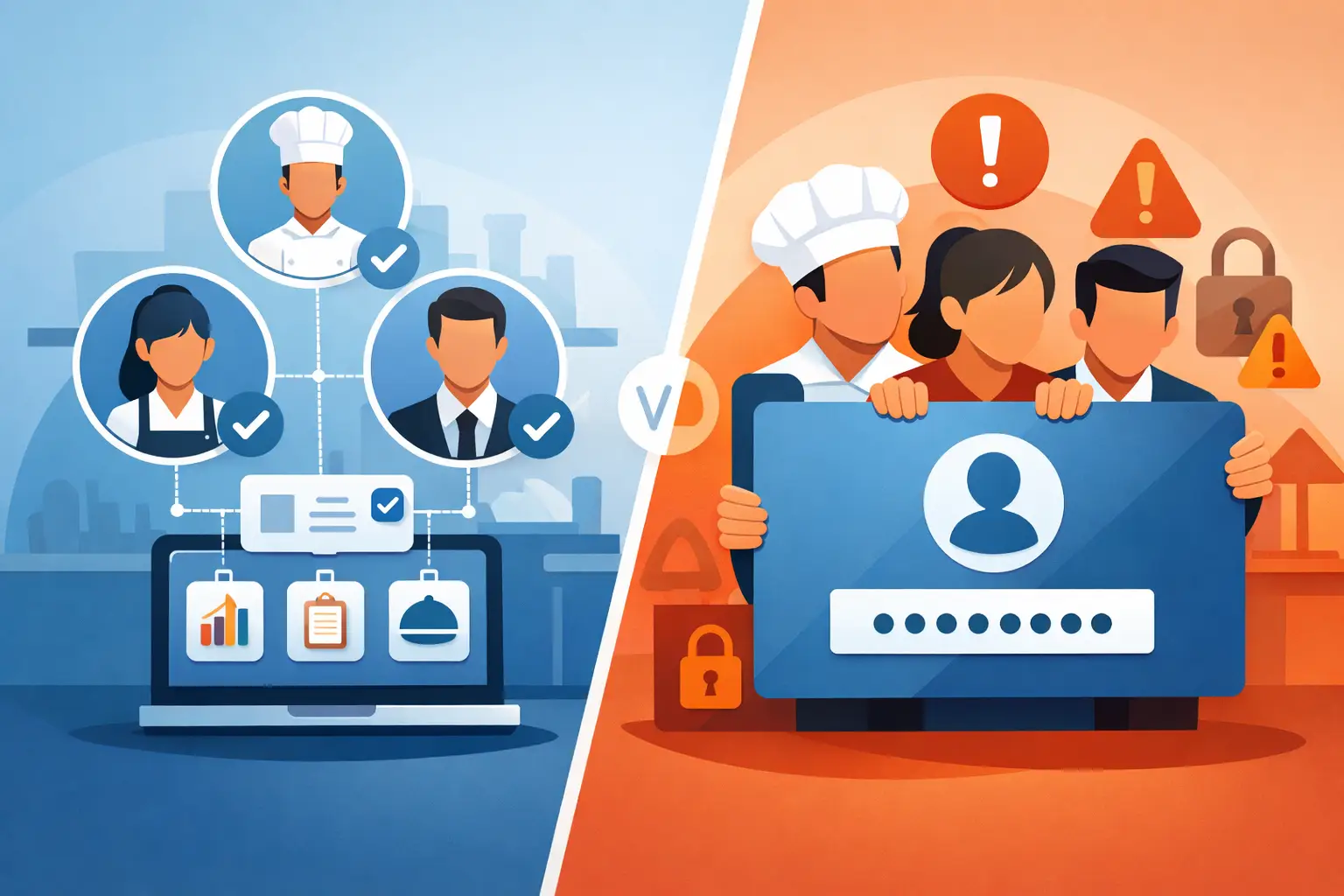
Restaurant Permissions vs. Shared Logins
A line cook finishes an inventory count under the manager's login. A shift lead changes a recipe yield using a password they borrowed from the owner. Later, a food-cost number looks wrong, and nobody can say who entered it, when, or whether anyone actually reviewed it. Ask a restaurant operator how many people know that login, and the honest answer is usually more than they'd like — one password, shared across every manager and a couple of trusted shift leads, because setting up individual accounts felt like unnecessary overhead back when the software started with two people using it. It holds together fine until a former employee turns out to still be logged in months after they left, or you need to know who approved last week's oversized order and the honest answer is "could have been any of four people." Shared logins trade a few minutes of setup time for permanent blind spots. The fix isn't complicated — it's giving each person their own account with exactly the access their job needs, not everyone sharing the same all-or-nothing password.
This is the first fix in a longer chain — see Restaurant Multi-Location Roles & Permissions: The Complete Guide for how individual accounts feed into decision-based permissions, per-location access, and district manager roles.
TL;DR
- Shared logins feel simpler to set up, but they erase accountability — you can't tell who actually made a change, and revoking one person's access means changing a password everyone else relies on
- Most software's answer to individual access is still just a few fixed tiers (Admin/Manager/Staff), which rarely matches how a real restaurant team is split
- Real flexibility means individual accounts with access controlled module by module — inventory, recipe cost, reports, checklists, store settings, team management
- Dinezy gives every person their own login and lets you define custom roles beyond its two fixed tiers, Owner and Staff, so no one has to share a password to do their job
Why Restaurants End Up Sharing One Login
It's rarely a deliberate decision. A restaurant starts with an owner and one manager, they share the one login the software came with, and it never gets revisited as the team grows. Setting up individual accounts feels like paperwork — one more thing to do during an already busy week — so the shared login just keeps getting handed to whoever needs it next: a new manager, a trusted shift lead covering a weekend, a bookkeeper who only needs it twice a month.
The cost shows up later, and it's rarely one dramatic incident. It's the accumulation of small blind spots: a price got changed and nobody remembers who did it, a former employee's access was never actually cut off because "removing access" meant changing a password everyone still uses, and when something looks off in the numbers, there's no way to narrow down who was even in the system that day. A shared login doesn't just weaken security — it removes the ability to answer a basic operational question: who did this?
Where Shared Access Damages Control
The cost of a shared login rarely shows up as one dramatic failure. It shows up as recurring friction in three places.
Inventory approvals lose their meaning. Count-based inventory depends on a clear line between who submitted a count and who approved it. If both steps happen under the same shared account, the approval becomes a label instead of a check — there's no way to ask a focused question like "was this counted before or after the delivery came in?" because there's no record of who actually did the counting.
Recipe and cost changes become harder to govern. Updating a supplier price or adjusting a recipe are exactly the kinds of changes that should have a name attached to them — they affect every order and every plate that follows. A shared login turns "who changed this" into a guess.
Nobody can verify who actually saw an update. A new procedure posted under a generic login is no different from a note nobody signed. When something goes wrong down the line, there's no way to know whether the right person reviewed it or whether it just sat there.
Why Three Tiers Never Actually Fit Either
Even restaurants that do give everyone an individual login often don't get much further, because most software only offers a handful of fixed tiers to assign each person to — Admin, Manager, Staff. The problem is a real restaurant isn't organized in three layers. Even a single independent location typically has some combination of an owner, a kitchen manager, a front-of-house manager, a shift lead or two, a bookkeeper who comes in twice a month, and line staff. Each of those people needs a genuinely different slice of the operation, not a lighter version of the same slice.
A kitchen manager needs to edit inventory and see what a recipe actually costs to make, so they can flag when a supplier price hike is eating margin. A bookkeeper needs to read cost reports without being able to change a single recipe or reorder point. A shift lead needs to run and check off the closing checklist and doesn't need visibility into food cost at all. None of these fit neatly into "Manager" or "Staff" — they're each a different combination of what to show and what to let someone change. Forced into three tiers, operators either over-grant access to keep people from complaining, or under-grant it and become the bottleneck every request routes through.
What Real Role Flexibility Requires
The fix isn't a shared login, and it isn't more built-in tiers either — you can't predict every restaurant's org chart in advance, and a fourth or fifth preset role just moves the same problem one level over. Real role flexibility isn't a features list — it's closer to a restaurant role permissions guide you build once for your own team: which modules can this person see, and which can they change, module by module — inventory, recipe cost, reports, checklists, store settings, and who else is on the team.
Once access is defined at that level, a role stops being a label picked from a dropdown and becomes an actual description of a job: this is what a kitchen manager sees, this is what a shift lead can do, this is what a bookkeeper has access to and nothing more — and each person gets there through their own account, not a password they picked up from whoever had it last.
Design Permissions Around Decisions, Not Job Titles
Job titles alone can be misleading. A general manager at one location might handle supplier-price updates directly; a general manager at another might report those changes up to someone else. Design access around the title on the schedule, and you'll eventually either over-grant it to someone whose actual job doesn't call for it, or under-grant it to someone who does the work but doesn't have the title.
The more reliable approach starts from the decisions themselves: who submits a count, who approves it, who can change a recipe, who can update a supplier price, who can publish a procedure. Once you know which decisions your team actually makes every week, matching access to the person doing that work — regardless of their title — is a lot more precise than reasoning from "manager" or "staff."
How Dinezy Handles This
Every person on a Dinezy account gets their own login. There's no shared-password model to begin with — new team members are added individually and invited by email, so there's never a single credential being passed around the management team.
On top of that, Dinezy ships with exactly two fixed roles: Owner, who has full access by default, and Staff, who by default has none. Everything in between — kitchen manager, shift lead, bookkeeper, whatever your team actually needs — is a restaurant custom user role you define yourself by choosing which modules it can view and which it can edit: inventory, recipes, recipe cost, reports, checklists, store settings, and team member management are each controlled independently.
That granularity goes further than a single inventory or recipe toggle. Viewing a recipe and viewing what that recipe costs to make are separate permissions — someone can reference a recipe's ingredients and method without being able to see its margin. Recipes can also be marked so that only staff with a separate permission can view them at all, which matters if you've got a signature sauce or dough formula you don't want visible to everyone on the schedule, even people who can otherwise see every other recipe in the system.
A role you build isn't a one-time setup for one person, either. It's a definition — "Kitchen Manager," "Shift Lead," "Bookkeeper" — that you create once and assign to anyone who fits it, across every location in your account.
Some concrete combinations this makes possible:
- Kitchen Manager: edit inventory, edit recipes, view recipe cost — full operational control over food and cost, no access to team management or store settings
- Shift Lead: edit checklists only — can run and verify opening/closing procedures without seeing inventory value or recipe cost at all
- Bookkeeper: view reports, view recipe cost — read access to the numbers that matter for margin review, no ability to change a recipe, adjust inventory, or touch checklists
Frequently Asked Questions
Can I just give my whole management team one shared login instead of separate accounts? No — every person on a Dinezy account has their own login. Instead of sharing one password and losing track of who did what, each team member is added individually with an activation invite, and assigned the role that fits their job.
Do I have to use Owner and Staff, or can I build roles for everyone? You're not limited to the two default roles. Owner and Staff exist as the two fixed anchors — full access and no access — and any role in between is one you define by choosing what it can view and edit.
Can someone see a recipe without seeing what it costs to make? Yes — viewing a recipe and viewing its cost are controlled separately, so you can let someone reference ingredients and method without exposing margin data.
Can I protect a specific recipe, like a signature sauce, from being seen by staff who can otherwise view the recipe list? Recipes can be restricted so that only staff with a separate permission can view them, independent of general recipe access — useful for a formula you don't want visible to everyone with day-to-day recipe access.
If I build a role like "Kitchen Manager," do I have to rebuild it at every location? No — a role you define is reusable, so you can assign it to whoever fits that job at any of your locations without recreating the permission set each time.
Key Takeaways
- Shared logins feel easier at first but erase accountability — there's no way to tell who actually made a change, and revoking access means changing a password everyone relies on
- Fixed role tiers create a second mismatch — most restaurant teams don't split cleanly into Admin/Manager/Staff
- Real flexibility means individual accounts with view and edit access controlled module by module, not one shared password or a preset tier
- Dinezy gives every person their own login and lets you define everything between its two fixed roles — Owner and Staff — as a reusable custom role
- Designing access around decisions rather than job titles, and revisiting it as the team changes, keeps permissions accurate without becoming a full-time task
The point of any of this isn't more administrative work for managers — it's less. Once access matches responsibility, routine work moves without an owner personally checking every entry, and the exceptions that do need a second look are the only thing left to check. The restaurant runs the same on the days no one with an owner's-eye view happens to be in the building.
Every person on a Dinezy account gets their own login — no shared manager password, no guessing who made a change. Define a role by choosing exactly which modules it can view and edit, then assign it to whoever fits that job at any of your locations.