
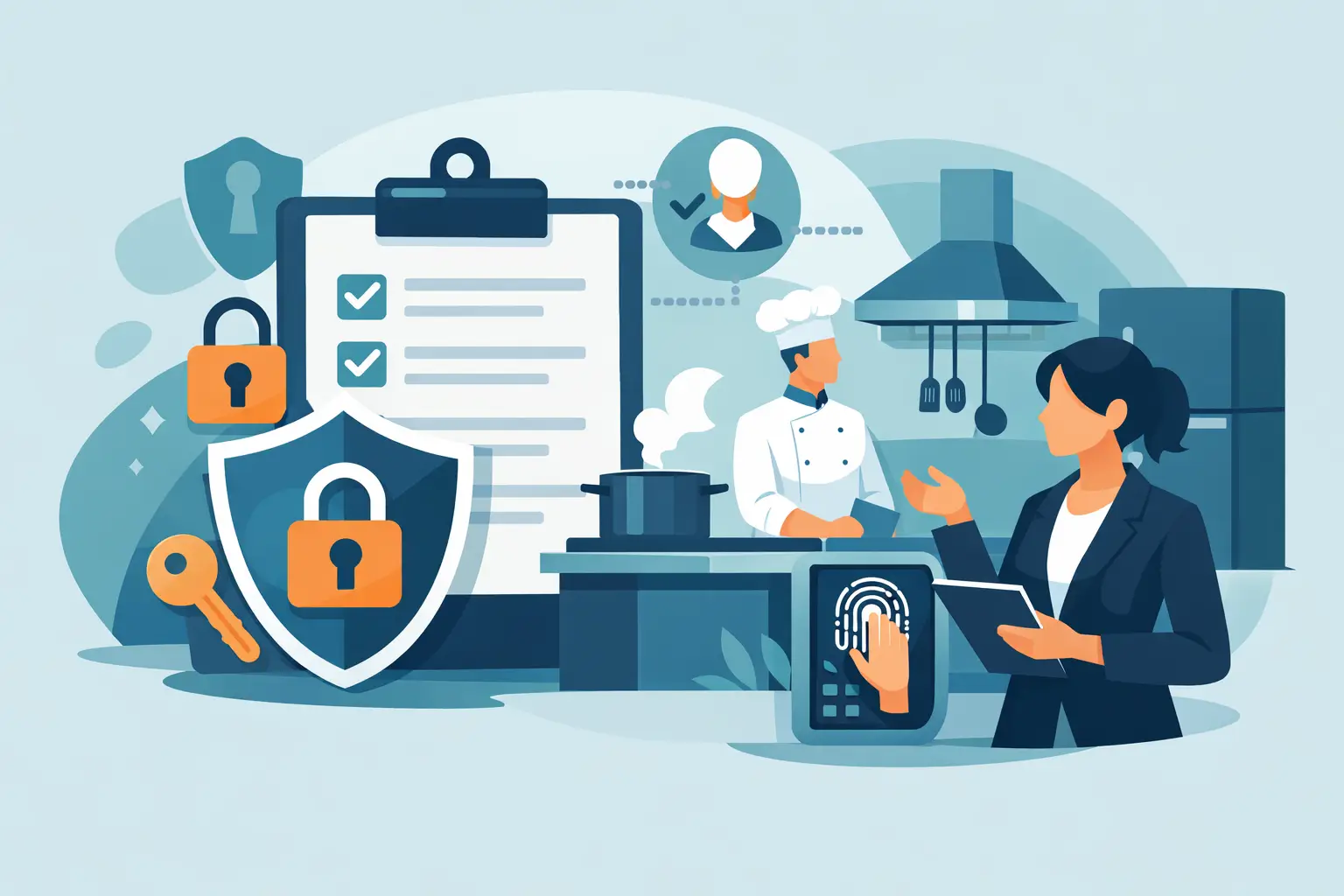
Kitchen Access Permissions That Protect Control
A prep cook needs the current recipe. A kitchen manager needs to review inventory counts. An owner needs confidence that a supplier-price change did not disappear in a spreadsheet. Those are different jobs, and they require different levels of access. Kitchen access permissions turn that distinction into a working control system instead of a judgment call made shift by shift.
When everyone can see, edit, approve, and change the same information, accountability becomes blurry fast. When access is too restricted, staff work around the system with paper notes, texts, and unofficial spreadsheets. The goal is not to lock the kitchen down. It is to give each person enough access to execute their role correctly while protecting the records that affect food cost, consistency, and store-level performance.
See Restaurant Multi-Location Roles & Permissions: The Complete Guide for how decision-based access fits with per-location permissions and the district manager role.
Why kitchen access permissions matter
Restaurant operations depend on information moving quickly, but not every change should carry the same authority. A line cook may need recipe specifications to plate a dish correctly. That does not mean the same person should be able to change portion yields, edit ingredient costs, or approve a stock count.
Without clear permissions, a simple correction can become an untraceable change. A revised recipe may be used before leadership has reviewed it. A count may be submitted with a mistaken unit and treated as final. A team member at one location may alter a process intended for every store. None of these failures look dramatic at first. They show up later as inconsistent portions, unexpected shortages, unreliable cost reports, and managers spending hours asking what changed.
The better standard is simple: access should match responsibility. Staff should be able to complete the work they own. Managers should be able to review and approve work that affects the operation. Owners and operations leaders should have visibility across locations without creating unnecessary editing rights.
Start with the decisions, not job titles
Many restaurants begin by assigning broad roles such as admin, manager, and employee. That is a useful starting point, but it is not enough on its own. Two managers can have very different responsibilities. One may run daily kitchen execution. Another may oversee purchasing and recipe standards across several units.
Build permissions around the decisions a person is authorized to make. Ask four practical questions: What information does this role need to see? What records can this role enter? What can this role change? What requires this role's approval?
For example, a prep or line team member may need view access to standardized recipes, current preparation instructions, and relevant checklists. They may also need to submit an inventory count if they participate in counts. A kitchen manager may need to review those submitted counts, monitor the low-stock list, and manage daily operating procedures. An operations leader may need cross-store visibility into costs, recipe standards, and location-level adoption of updated SOPs.
This approach avoids a common problem: giving someone broad administrative access because they are trusted, even though their daily role does not require it. Trust matters. So does control. The two are not opposites.
Separate entry from approval
Inventory is a clear example. The person physically counting products is closest to the shelf and often best positioned to submit the count. That person should not necessarily be the final authority on whether the record is accurate.
A submit-and-approve trail creates a practical separation of duties. Authorized staff can enter counts. A manager can review the count, question an unusual number, and approve it before treating it as a dependable operating record. This does add a review step, and smaller restaurants may feel it is unnecessary on quiet days. But when counts influence ordering decisions, beginning and ending inventory values, and margin conversations, the review step is usually worth the discipline.
The same principle applies to recipe and cost changes. The person who notices a supplier price increase may flag it or record the delivery at its new price, depending on the role design. The person responsible for protecting margins should have authority to review the impact on recipe costs and decide what happens next. That may mean a price adjustment, a portion review, a vendor conversation, or no action at all. What matters is that the decision has a clear owner.
Use store-level boundaries in multi-unit operations
Permissions become more valuable as the number of locations grows. Local teams should be able to operate their own store — recipes, checklists, inventory records, and low-stock information — without that access accidentally becoming group-wide authority. A manager at one restaurant should not be able to alter another store's operating records simply because both locations run on the same system.
Dinezy grants access per store rather than per account, so the same person can hold a different role at each location — a full-access role at their home kitchen and a limited one while covering a shift elsewhere. For the full mechanics of managing that across a growing group, including how to structure a role that oversees several stores at once, see restaurant staff permissions across multiple locations and building a district manager role.
Design a role structure people can follow
The best permission model is specific enough to protect the operation and simple enough for managers to explain during onboarding. Most restaurants do not need a maze of custom access levels. They need a small number of clearly defined roles with consistent expectations.
A practical structure often includes four levels:
- Team members can view the information required for preparation and service, complete assigned checklists, and submit authorized operational records.
- Kitchen or store managers can review submitted records, manage their location's daily execution, and act on stock and procedure issues.
- Operations leaders can view performance across locations, maintain approved standards, and coordinate changes that affect multiple stores.
- Owners retain authority over high-impact configuration, user access, and the records that shape the broader operating model.
The exact model depends on your organization. A chef-driven independent restaurant may give its chef greater recipe authority than a multi-unit fast-casual group. A commissary kitchen may require different access than a full-service restaurant with separate bar operations. The point is not to copy another company's org chart. It is to make authority visible and repeatable. For a deeper look at building custom roles instead of defaulting to shared logins, see restaurant permissions versus shared logins.
Protect Recipes Without Blocking the Kitchen
Recipe access deserves its own layer of thought, because "can this person see the recipe" is not the same question as "can this person see what it costs." A line cook needs the build, the portion, and the prep method to execute the dish correctly. That person does not automatically need visibility into ingredient costs or margin — and for a signature dish, the operator may not want the recipe visible to every team member at all.
Dinezy treats viewing a recipe, viewing its cost, and viewing a recipe marked confidential as three separate permissions rather than one bundled setting. A kitchen can give the full team access to build and portion instructions while limiting recipe cost visibility to managers, and further restrict a small set of signature recipes so they're only visible to the people responsible for protecting them. That granularity is what makes broad kitchen access safe: staff get what they need to execute consistently, without every person in the building having a clear view of the menu's margin or its most valuable recipes.
Treat SOP access as an execution issue
A procedure only works if the right people can find it at the moment they need it. But access to SOPs should also reflect who is responsible for maintaining the standard versus following it.
Team members need clear, current instructions for tasks such as opening prep, cooling logs, cleaning routines, or receiving deliveries. Managers need the ability to manage completion and address missed work. Operations leaders need to see whether locations have responded to an SOP update, especially when a change affects food handling, product quality, or a new menu process.
Do not confuse distribution with adoption. Sending a message in a group chat does not prove the operating change reached the floor. A structured system such as Dinezy gives leaders visibility into location response rates, turning an SOP update into a managed rollout rather than a bulletin board post — see restaurant SOP checklist software for how that rollout is built and tracked.
Review permissions as the business changes
Permissions should not be set once and forgotten. They need review when someone is promoted, changes locations, takes on purchasing responsibility, or leaves the company. Dormant access is an operational risk because it creates uncertainty about who can make changes and who is accountable for them.
A quarterly review is often enough for stable teams, while periods of rapid growth may require more frequent checks. Look for permissions that are too broad, approval steps that create bottlenecks, and roles that no longer match how work is actually done. If staff routinely bypass the system, do not assume the team is resisting discipline. Investigate whether the permission design is blocking legitimate work.
Strong kitchen access permissions are not about limiting capable people. They are about making capable execution dependable. When every role has clear authority, records stay credible, standards stay intact, and the kitchen can run the same on the days the owner is not in the store.
Frequently Asked Questions
What's the difference between giving someone access to a recipe and access to its cost? Dinezy separates them into distinct permissions — a team member can have "view recipe" access to see the build, portion, and prep method they need to execute a dish, without also having "view recipe cost" access to the ingredient cost and margin behind it. A manager or owner can hold both, while line staff hold only what they need to cook.
Should every kitchen employee be able to submit an inventory count? Anyone with count-editing permission can submit a count, but submitting is not the same as finalizing — a manager still reviews and approves each count before it becomes the official record. That separation of entry from approval is what keeps a rushed or mistaken count from becoming the number the business makes decisions on.
How do I keep a signature recipe from being visible to the whole kitchen? Beyond the standard recipe and recipe-cost permissions, Dinezy has a separate confidential-recipe permission you can apply to specific recipes, so a handful of signature builds stay visible only to the people responsible for protecting them, while the rest of the kitchen sees everything else as normal.
Does a team member's access carry over automatically if they work at a different location? Access is granted per store, not per account, so a cook who normally works at one location needs permission granted separately at a second store before picking up a shift there. That same per-store design means removing someone's access at one location doesn't touch what they can do anywhere else.
Key Takeaways
- Build permissions around the decisions a role is authorized to make, not just a job title — two "managers" can need very different access.
- Separate entry from approval: the person submitting a count, price, or recipe change shouldn't be the same person validating it with no review.
- Recipe visibility, recipe cost visibility, and confidential-recipe access are three separate permissions — use them to protect margin and signature recipes without blocking the kitchen from what it needs to execute.
- Access is granted per store, not per account, so the same person can hold different roles at different locations.
- Review permissions on a regular cadence — promotions, transfers, and departures all leave dormant access behind if no one checks.
Dinezy lets you build kitchen roles around exactly what each person needs to see, submit, or approve — recipe instructions separate from recipe cost, submitted counts separate from approved ones — with access granted per store so it never outgrows what the role actually requires. Try Dinezy free at dinezytech.com.