
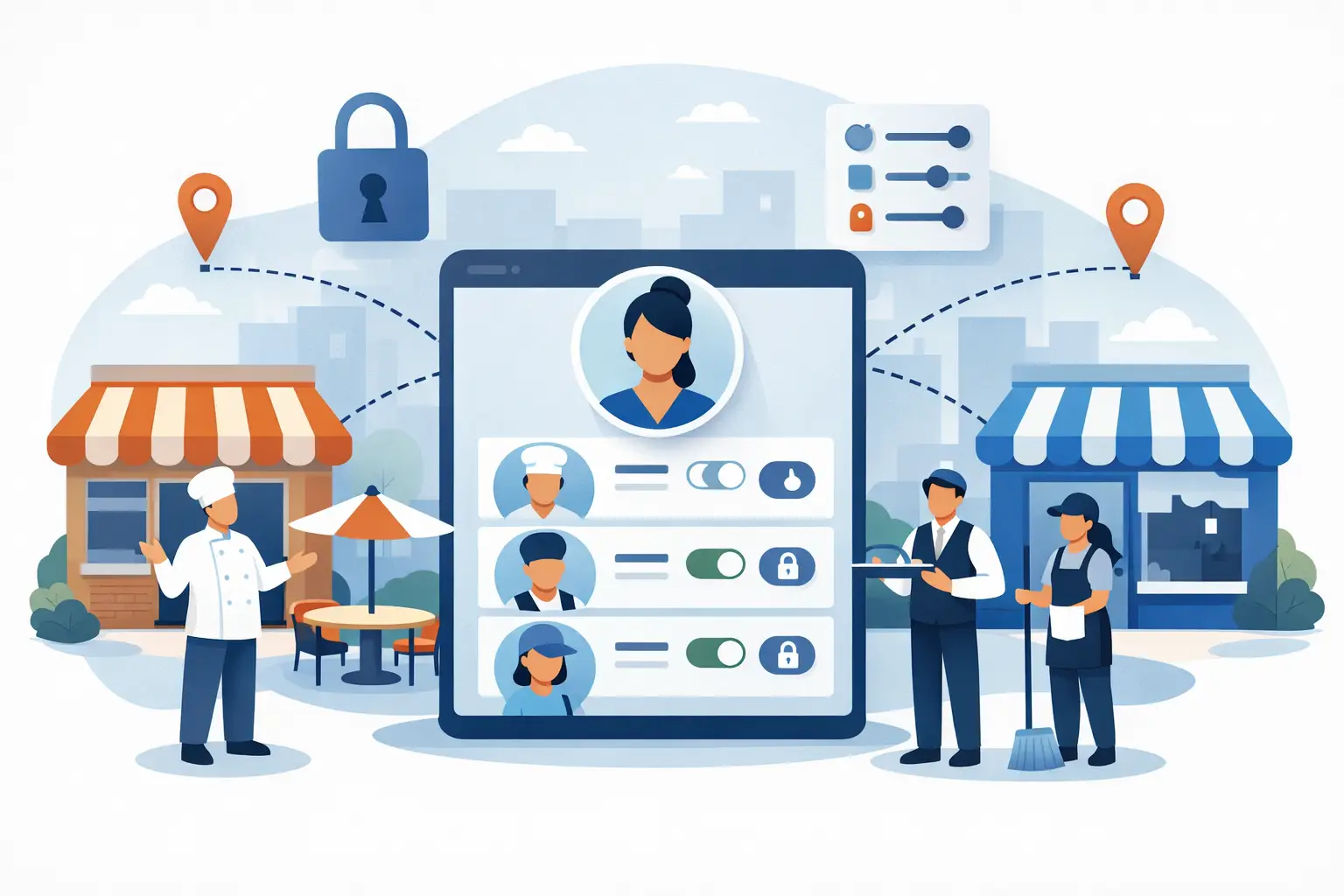
How to Give the Same Employee Different Access at Different Restaurant Locations
Say your best shift lead at Store A agrees to help open your new Store B for its first two weeks. What access do you give them? Full manager rights everywhere means they can now see Store A's numbers from a location they don't even work at — and once someone has that access, walking it back later feels like an accusation. No access at Store B means they can't actually do the job they agreed to help with. Most operators end up creating a second login, which fragments the person's history across two accounts and doubles the accounts you have to manage when they leave. None of these options fit what's actually happening: one person, doing a real job, at more than one place, for a limited reason.
See Restaurant Multi-Location Roles & Permissions: The Complete Guide for how this fits with decision-based permissions and the district manager role.
TL;DR
- Most restaurant software treats a person's role as a single, global setting — one role, applied everywhere they can log in
- That forces a bad choice for cross-training, coverage, and new-location support: over-grant access everywhere, or create a second account
- The fix is scoping role to the (person, location) pair instead of the person alone
- Dinezy grants access per store — the same login can hold a different role at each location, and the app only ever operates inside whichever store is currently active
Why Multi-Location Access Is Harder Than It Looks
A single-location restaurant only has one version of "who can see what." The moment you add a second location, that question splits in two: what should this person see at their store, and what should they see at a store they're only helping out at, covering for, or being trained at ahead of a transfer?
Most operations software doesn't ask that second question. A user account gets one role, and that role applies wherever the account can log in. If the platform doesn't have a real concept of "store," the role is effectively company-wide by default — a Manager role sees every location's inventory, cost, and reports the moment they're granted it, whether they've ever set foot in that store or not.
That's a real problem for independent operators, not a hypothetical one. Multi-location groups run on exactly this kind of temporary, partial overlap: a trusted employee covering a sick manager for a week, a kitchen lead training the opening crew at a new location, someone splitting hours across two stores that are five minutes apart. None of these people should see every location's numbers. All of them need real access somewhere that isn't their home store.
What Store-Scoped Access Actually Requires
Solving this isn't about adding more roles — Owner, Manager, Staff doesn't get you there no matter how many tiers you add, because the problem isn't the number of roles, it's that role is attached to the wrong thing. The fix is attaching role to the pairing of person and location, not to the person alone.
That means two things need to be true at the same time:
- One login can hold more than one role — Manager at Store A, Staff at Store B, no access at Store C
- Whatever the app shows at any given moment is scoped to one active location, so the account's other access doesn't leak into the store the person is currently working in
Three Layers of Access, Not One
Most multi-location operators end up needing roughly three layers of access, even before the location-switching problem above enters the picture. Hourly staff and shift leads need task-level access — enough to submit a count, work through a checklist, or reference a recipe, without visibility into cost or the ability to change a supplier price. Store leaders — a general manager or kitchen manager — need a wider view of their own location: reviewing and approving what staff submit, watching the low-stock list, keeping an eye on supplier price changes that feed into recipe cost. And someone usually needs broader access that isn't tied to a single location at all — most often the Owner, or a manager who's been deliberately granted access at several stores.
That third layer is worth being precise about, though. It isn't a special "group" tier built into the software — there's no role that's automatically company-wide. Broader access is built the same way as any other grant: a role with the permissions you want, given to that person at each store you want them to see. The three layers describe how responsibility is usually split on a real team, not a feature you switch on.
How Dinezy Handles This
Dinezy grants store access individually — when someone is added to a location, that grant carries its own role, separate from any role they hold at another location. The same person can be a Manager at the store they run day to day and Staff (or nothing at all) at a location they're only covering.
When someone with access to more than one store logs in, they pick which store they're working in for that session, and the app operates entirely within that store — inventory, recipe costs, and reports all reflect that location only. Switching to a different store they have access to doesn't require logging out and back in; it re-scopes the session to the new location. Nothing from the store they just left carries over.
Practically, this covers the situations that actually come up in a growing multi-unit operation:
- Coverage without over-granting. A manager helping out at a second location for a week gets exactly the access that location's role provides — not a company-wide view they didn't need and won't remember to have removed later.
- Training ahead of a transfer. A new location can bring in an experienced employee from an existing store with a role scoped to just the new location, so they're learning the new store's actual data, not carrying over what they were used to seeing elsewhere.
- One less account to manage. There's no second login to create, remember, or deactivate separately when the temporary arrangement ends — access at a specific store can be added or removed on its own without touching what that person can do anywhere else.
How many locations a single account can be granted access to depends on your plan — Dinezy's store limits scale from a single location on entry-level plans up through larger multi-unit groups on higher tiers, so this isn't a workaround bolted onto a single-store product; it's built to support real multi-location teams as they grow.
Revisit Access as Your Team Changes
Store access isn't a one-time setup. It's worth a short recurring check whenever someone transfers, a new location opens, or a temporary coverage arrangement quietly becomes permanent: who currently has access to which stores, and does that still match what they're actually doing? Because each store's access is its own grant, cleaning it up is a matter of adding or removing individual grants — not rebuilding an account or resetting a password everyone else depends on.
Frequently Asked Questions
Can the same login really have a manager role at one store and a staff role at another? Yes — access and role are granted per store, not per account, so the same person can hold different permission levels at each location they're added to.
Does switching between stores mean logging out and back in? No — if an account has access to more than one store, switching between them re-scopes the session to the newly selected store without a full logout.
If I remove someone's access to one location, does it affect their access anywhere else? No — each store's access is its own grant, so removing it at one location doesn't change what that person can do at any other store they're still assigned to.
Do I need to create a new account when someone starts helping at a second location? No — the existing account can be granted access at the additional store with whatever role fits that location, without creating a second login.
Key Takeaways
- Treating "role" as a single, account-wide setting is what makes cross-training and multi-location coverage awkward in most restaurant software
- The fix is scoping access to the pairing of person and store, not just the person
- Dinezy lets one login hold a different role at each store it's granted access to, and always operates inside a single active store at a time
- Access at one location can be added or removed independently, without affecting what the person can do anywhere else
- Access should be revisited as the team changes — transfers, new locations, and coverage arrangements that become permanent all call for a quick check of who has access to what
Dinezy grants access per store — the same login can hold a different role at each location, and the app always operates within whichever store is currently active, so your team's access grows with your locations instead of working around them.