
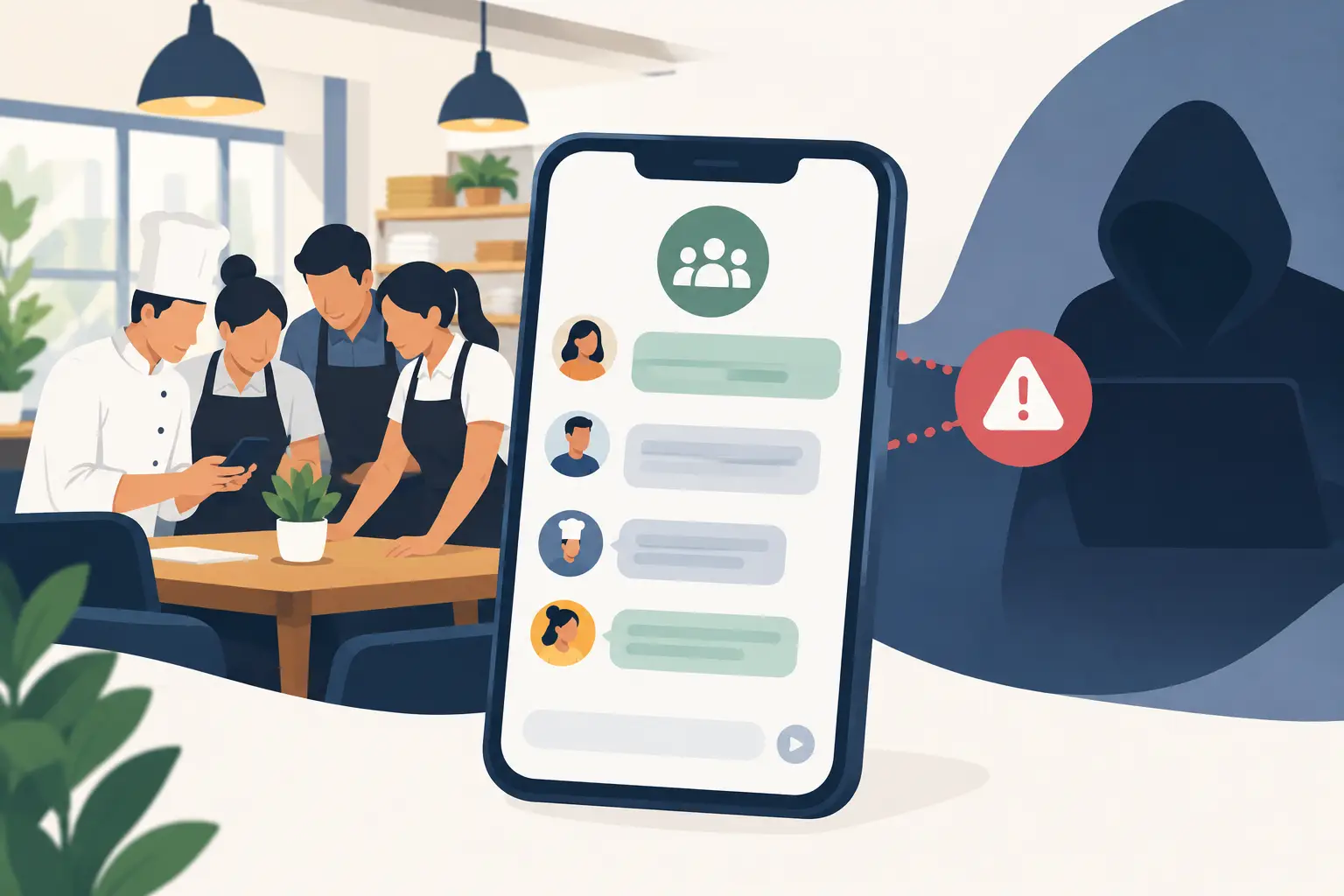
Restaurant Group Chats: The Hidden Risk
Every independent restaurant ends up with one eventually: a group chat with the whole team in it. It starts small — a handful of servers coordinating a shift swap — and within a few months it's forty people deep, mixing shift-swap requests, birthday shoutouts, a supplier's late delivery, and the one message that actually mattered: a new closing step after the walk-in door was left open overnight. Nobody decided to build it this way. It just grew, the way every restaurant's communication tends to grow when there's no other place for it to live.
The problem isn't that group chats are annoying, though they are. The problem is that a personal messaging app was built for conversation, and a restaurant ends up using it to run the business: procedures, changes, and instructions the team has to act on.
TL;DR
- Group chats fail restaurants for a structural reason, not a discipline reason: they're built for conversation, not for the messages a team has to act on.
- The biggest hidden cost isn't annoyance. It's that important operational messages get buried under routine chatter, with no way to tell who has seen them.
- When someone leaves, the instructions and procedures that lived in the chat stay on their personal phone, and the next person starts without them.
- The fix isn't a stricter group chat policy. It's giving the messages that matter their own place, separate from everyday team chatter.
Why the Restaurant Group Chat Feels Fine — Until It Doesn't
Most restaurant group chats work fine for the first few months. The team is small, the volume is low, and everyone actually reads every message. The trouble starts as the team grows and the chat fills up with things that have nothing to do with running the restaurant: a meme, a shift-swap negotiation, someone asking if anyone's seen their water bottle. None of that is a problem on its own. The problem is that the message about the new allergen procedure or the updated closing steps has to compete with all of it for the same fifteen seconds of attention on someone's lock screen.
By the time a restaurant notices, it's usually because something already slipped: a change nobody saw, a price update that didn't reach the line, a new procedure half the team never heard about.
The Real Issue: A Chat App Was Built for Conversation
This isn't a story about undisciplined employees or a manager who should type louder. It's a structural mismatch. A messaging app is designed to keep conversation flowing — more messages, more reactions, more back-and-forth. A restaurant's operational communication needs the opposite: fewer things competing for attention, and a simple way to know whether the message that mattered actually landed. That's the basic job of any restaurant communication system, and it's the one job a chat app was never designed to do.
Three specific risks come out of that mismatch, and they grow the longer a restaurant relies on a personal chat app as its main way to talk to the team.
1. Important messages get buried
Every restaurant group chat eventually reaches a size where the signal-to-noise ratio breaks down. A schedule question, a delivery photo, and a genuinely important procedure change all look identical in a scrolling feed. The important message doesn't get ignored on purpose. It gets buried by volume, and buried is functionally the same as unsent.
2. Nobody knows who hasn't seen it
If a new procedure only exists as one message in a scrolling thread, there's no way to tell "it went by in the chat" apart from "the people it applies to actually read it." The only way to find out is to ask each person, one by one, usually in the middle of a shift. Most managers don't, so the gap shows up later as the same mistake made twice. Repeating it at the pre-shift meeting helps, but only for the people who were there.
3. When someone leaves, the context leaves with them
This is the risk that gets talked about the least. Whatever lives in a personal group chat — procedure changes, manager instructions, the reason something is done a certain way — lives on personal phones. When a lead or a long-time cook moves on, what they were told goes with them, and the person who takes over their station starts from scratch, asking around for things that were already explained once.
What Actually Fixes This (It's Not "Be Stricter About the Group Chat")
Telling the team to "keep the group chat professional" doesn't fix a structural problem with a behavioral request. What actually helps is separating two things that a personal chat app forces into the same feed: casual team conversation, and the procedure changes, updates, and instructions the team needs to act on.
Dinezy's Bulletin Board exists for the second category. It lives in the restaurant's own Dinezy account rather than on anyone's personal phone, and it's built around the things a group chat can't do well:
- Four post types for four kinds of messages. An Announcement for news and procedure changes, a Task for something that needs doing, an RSVP for a headcount, and a Vote for a team decision, instead of forcing everything into one thread.
- Each post reaches the people it's for. Send it to the whole brand, a specific store, a specific role, or named employees, so a kitchen-only update doesn't get buried in front-of-house chatter.
- The important posts stay on top. Mark a post Urgent and pin it, so a procedure change isn't sitting under yesterday's shift-swap requests.
- You see who still needs to respond. Announcements carry a Confirm Read button, and you see who has confirmed and who hasn't, store by store, so you know exactly who to follow up with. A response is recorded when someone taps Confirm Read or answers the post, not when they simply open it.
- New team members see what applies to them. Posts sent to a store or the whole brand also reach people who join later, so a new hire doesn't have to scroll back through months of chat to find the current procedure.
This isn't about adding more software for its own sake. It's about giving the messages that actually need to land a place where they aren't competing with a hundred unrelated ones. For a closer look at getting announcements read, see how to get restaurant staff to read announcements. For tasks that need individual assignment with a completion and approval step rather than just a targeted post, that's a related but different tool — see how Dinezy's Checklist builds shift accountability.
Frequently Asked Questions
What are the risks of using group chats for restaurants? Three, specifically: important messages get buried under routine chatter until they're functionally unsent, nobody can tell who has actually seen a message without asking each person, and when someone leaves, what they were told leaves with them. These restaurant group chat risks aren't about discipline — they show up regardless of how careful a team is, because they're a function of the tool, not the people using it.
Doesn't a pinned message in a restaurant group chat solve the same problem? Pinning helps with visibility for as long as everyone remembers to check the pinned section, but it doesn't solve the deeper issues: there's still no way to see who has engaged with it, no way to send it only to the people it's relevant to, and no way to keep it in front of the next person who joins. It's a workaround inside the same structural limitation, not a fix for it.
Is a separate system worth it for a single small restaurant? The group chat problems described here start showing up with teams as small as 10–15 people, well before a restaurant is thinking about multiple locations. A single-store team still benefits from sending a message to just the kitchen or just the closing manager, and from knowing whether that message actually reached them, regardless of how many locations the business has.
Does Dinezy replace restaurant group chats entirely? Casual team chatter can stay wherever it already lives. What moves to Bulletin Board is the communication the team has to act on — procedure changes, updates, and instructions — the messages where "I'm not sure anyone actually saw that" is a real problem, not just an inconvenience.
What happens to team messages when someone leaves? In a group chat, everything stays on the departing employee's personal phone, and nothing carries over to the person who replaces them. Bulletin Board posts live in the restaurant's Dinezy account instead, and posts sent to a store or the whole brand also reach people who join later.
Key Takeaways
- Restaurant group chats fail for a structural reason: a messaging app is built for conversation, not for the messages a team has to act on.
- The most expensive failure mode isn't clutter — it's an important operational message getting buried, with no way to tell who has seen it.
- When an employee leaves, what they were told in a personal chat leaves with their phone, and the next person starts over.
- The fix isn't a stricter chat policy — it's giving the messages that matter their own place, separate from everyday team chatter.
- Sending each message to the people it applies to, and seeing who still needs to confirm it, turns "I posted it" into "I know who has it."
Dinezy's Bulletin Board lets you send a post to exactly who needs it — the whole brand, one store, one role, or one person — keep the urgent ones pinned on top, and see who has confirmed it and who hasn't, inside your restaurant's own account instead of anyone's personal phone. Try Dinezy free at dinezytech.com.