
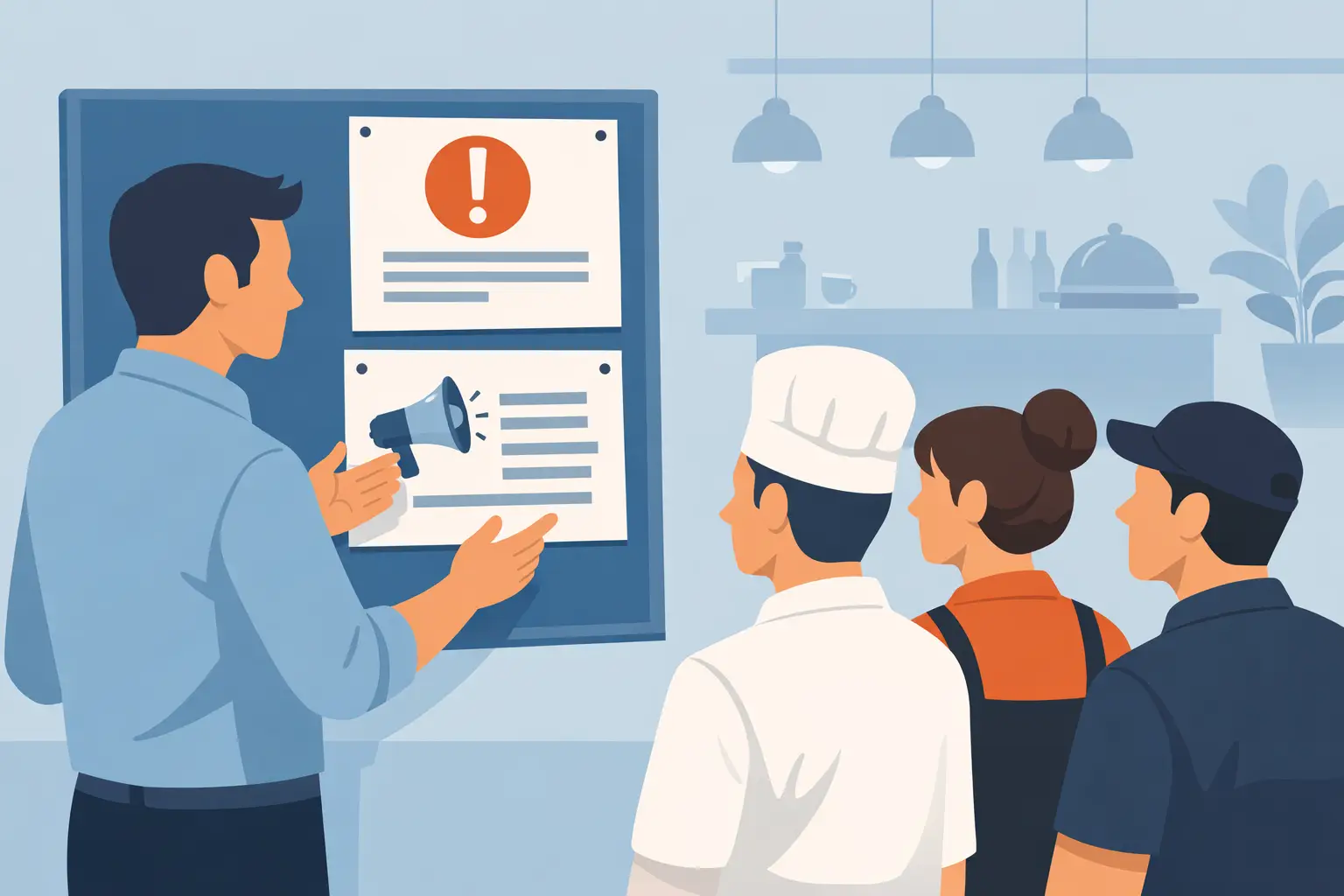
How to Get Restaurant Staff to Read Announcements
A sign taped by the time clock gets read by whoever happens to walk past it that day. A group text gets buried under a dozen unrelated messages within the hour. Getting restaurant staff to actually read announcements isn't about writing a clearer message — it's about the fact that restaurants don't have a moment when the whole team is in the same room to hear it.
TL;DR
- Restaurant announcements get ignored because shifts don't overlap, channels compete for attention, and there's usually no way to tell who actually saw a message.
- A passive announcement (posted, texted, or taped up) relies on staff choosing to notice it, with no way to tell who did.
- Sending each message only to the people it affects, and marking the urgent ones, improves the odds before you change anything else.
- Asking for an active response, not just visibility, is what turns "I posted it" into "I know who has confirmed it."
- Dinezy's Bulletin Board sends posts by store, role, or individual, keeps urgent posts pinned on top, and shows who has confirmed and who hasn't.
Why Announcements Get Ignored in Restaurants
Three structural conditions make restaurant communication harder than it is in a typical office:
Shifts don't overlap. A morning line cook and a closing server may never work the same hours in a given week. An announcement posted at noon simply doesn't exist for someone whose shift starts at 4 p.m. unless it's still visible when they arrive. Even a pre-shift meeting only reaches the people in the room.
Channels compete. A group chat used for shift swaps, casual conversation, and important procedure updates all in the same thread gives the important message the same visual weight as everything else, and it scrolls past just as fast. The hidden risk of restaurant group chats covers why that gets worse as the team grows.
There's no confirmation loop. A posted note or a sent message tells you it went out. It doesn't tell you who read it, and following up individually with every employee isn't realistic on a busy week.
The result isn't that staff don't care. It's that "posted" and "seen" are treated as the same thing when they aren't.
This is a related but different problem from getting a specific piece of work done by a specific person — see restaurant task assignment: why "just tell someone" doesn't scale for that side of team coordination.
What Actually Gets an Announcement Read
Three things change the odds an announcement lands with the people who need it:
Send it to the right people. A change to the kitchen's closing steps doesn't need to reach the servers. Sending everything to everyone trains staff to skim past messages that don't apply to them, which hurts the next message that does.
Separate routine from urgent. If every announcement — a new procedure, a reminder about a spill, a change to opening time — arrives with the same format and urgency, staff learn to treat all of them the same way: skimmable. The few that really matter should look different and stay in view.
Ask for a response, not just visibility. A message someone scrolled past looks identical to one they read carefully. The only way to know the difference is to ask for something back — a confirmation, an RSVP, a vote — rather than assuming silence means it was seen.
What to Look for in a Restaurant Staff Communication App
A restaurant staff communication app should do the three things above better than a group chat or a bulletin board on the wall:
- Targeting. Send a message to one store, one role, or named people, not just "everyone."
- Priority. Let the urgent posts stand out and stay on top instead of scrolling away.
- A response, not just a view. Give staff a one-tap way to confirm, answer, or vote, and show managers who still needs to respond.
- More than announcements. A team also needs to ask for a headcount, take a quick vote, or hand someone a one-off task, without starting another chat thread.
- Easy for hourly staff. It should work on the phone they already carry, with nothing extra to learn.
How Dinezy's Bulletin Board Handles Announcements
Dinezy's Bulletin Board has four post types — Announcement, Task, RSVP, and Vote — and each post can go to the whole brand, specific stores, specific roles, or named employees, with a start date and an end date so it isn't sitting in a feed forever.
- Announcements carry a Confirm Read button. You see who has confirmed and who hasn't, store by store, so you know exactly who still needs a follow-up. Opening a post doesn't count as a response, so this is a record of confirmations, not a read receipt. For more on how acknowledgement tracking works and its limits, see employee acknowledgement tracking software.
- Urgent posts stay on top. Each post has a priority from Low to Urgent and can be pinned, so a procedure change doesn't sit under routine reminders.
- Tasks handle one-off requests. A task can be something everyone does, something one person does for the whole team, or something several people work on together. A number task tracks a shared goal: staff enter their own count, and you see the team's progress and each person's contribution. See restaurant task tracking for how that works across shifts.
- RSVPs collect a headcount, with an optional cap on "Yes" — once it's full, nobody else can take a spot.
- Votes gather the team's pick in one tap, single or multiple choice, so a staff meal or a party date doesn't take twenty replies in a group chat. For questions worth asking, see restaurant employee survey questions.
- Recurring messages are quick to resend. Clone last month's post, change the dates, and it's ready to go.
Because targeting can go as narrow as a single store or role, routine announcements stay with the people they actually affect, while something every location needs can be posted once instead of store by store.
For ready-to-use wording, see restaurant staff announcement examples. For a change the team has to be ready for, not just know about, see how to train restaurant staff on a new menu.
Frequently Asked Questions
What's the difference between an Announcement and a Task on Bulletin Board? An Announcement is for information people need to know, like a procedure change or a menu update, and staff tap Confirm Read. A Task is for something that needs to get done: everyone does it, one person does it for the team, or several people share it. For structured, multi-item work with an approval step, see restaurant task assignment on how Dinezy's Checklist handles that.
Can I send an announcement to just one store instead of the whole brand? Yes. Bulletin Board posts can go to the whole brand, specific stores, specific roles, or named employees, so a message relevant to one location doesn't have to go out to every location.
How do I publish an SOP update so staff actually see it? Post it as an Announcement to the store or role it actually affects, mark it Urgent and pin it if it changes how the work gets done this week, and check who has confirmed it before the next shift. Following up with the few people who haven't is faster than re-announcing it to everyone.
What can you do to encourage employees to read announcements? Send each message only to the people it affects, keep routine posts and urgent ones visibly different, and ask for a one-tap response instead of relying on people to remember they read it. Staff tune out a feed that's mostly irrelevant to their store or role, and they pay attention to one that isn't.
What should a restaurant staff communication app do that a group chat can't? It should send each message to the right people, keep important posts from scrolling away, and show you who has responded. A group chat does none of those: everything goes to everyone, everything looks the same, and silence is the only signal you get.
Do I still need a group chat if I'm using Bulletin Board? Bulletin Board is built to replace the announcement side of a group chat, with targeting and response tracking that a chat thread doesn't have. Casual back-and-forth between staff is a different use case and can stay wherever it already lives.
Key Takeaways
- Restaurant announcements get missed because shifts don't overlap, channels compete for attention, and there's usually no way to tell who actually saw a message.
- Sending each message to the people it affects, and making urgent posts look different, improves read rates before you change anything about tracking.
- Asking for a response, not just posting something visible, is the only reliable way to tell who engaged with a message.
- A restaurant staff communication app should do more than announce: headcounts, quick votes, and one-off tasks belong in the same place.
- Dinezy's Bulletin Board sends posts by store, role, or individual, keeps urgent ones pinned, and shows who has confirmed and who hasn't.
Dinezy's Bulletin Board lets you send each post to the right people, keep urgent ones pinned on top, and see who has confirmed and who hasn't — instead of guessing who saw the group text. Try Dinezy free at dinezytech.com.