
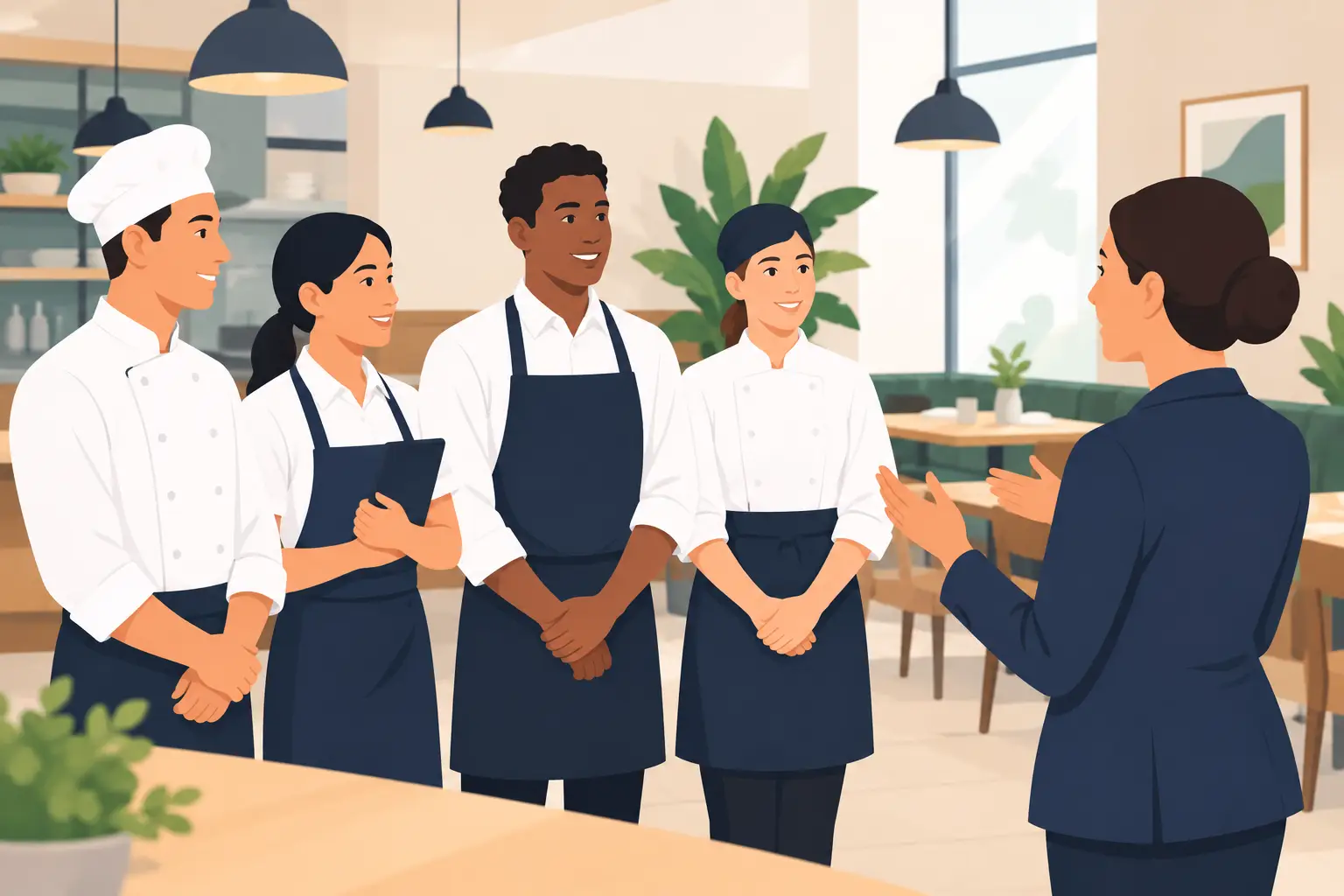
25 Restaurant Staff Announcement Examples
A restaurant sends its team dozens of small messages a week: an item is 86'd, the dish machine is down, the meeting moved to Tuesday, the holiday hours are set. Each one is easy to say. The hard part is saying it so people actually notice, understand what to do, and can find it again later in the week.
Below are 25 restaurant staff announcement examples you can copy and adapt, plus what makes a short announcement work.
TL;DR
- A good staff announcement fits in a headline and one line: what's happening, when, and what people need to do.
- Lead with the change, not the background. "Short rib is 86'd tonight; offer the hanger steak" beats a paragraph about the delivery.
- Send each announcement only to the people it affects, and keep the truly urgent ones visibly different.
- When you need to know who has it, ask for a confirmation instead of assuming silence means yes.
- Dinezy's Bulletin Board puts announcements in one place the whole team checks, keeps urgent ones pinned, and shows who has confirmed them.
What Makes a Good Restaurant Staff Announcement
Every example below follows the same shape:
- A headline that says what changed. Someone glancing at their phone between tables should get it from the first line.
- One line of detail. When, where, and what to do. If it needs a page, it needs a conversation or a training session, not an announcement.
- The right audience. A dish-machine update is for the kitchen and the closers, not the whole brand.
- A clear action, if there is one. "Confirm you've read this," "Reply by Friday," "Sign up for a slot."
Short isn't a style choice. It's what gets read.
25 Restaurant Staff Announcement Examples
Menu and kitchen
-
Short rib is 86'd tonight Offer the hanger steak instead. Kitchen will update if more comes in.
-
New fall menu starts Monday, Oct 20 Tastings Thursday at 3 p.m. and Saturday at 10 a.m. Please attend one.
-
Spicy chicken sandwich is back this weekend Same recipe as last spring. Priced at $14; push it with the slaw.
-
Recipe change: house vinaigrette Now made with sherry vinegar instead of red wine vinegar. New recipe card is at the station.
-
Allergen update: pesto now contains pine nuts Please tell any guest with a nut allergy. Kitchen can sub the herb oil.
Operations and equipment
-
Dish machine is down until 2 p.m. Use the three-compartment sink. Service tech is on the way.
-
Walk-in door doesn't latch on its own Push it closed every time. Repair is booked for Wednesday.
-
Produce delivery moves to Tuesdays and Fridays Starting next week. Openers, plan your counts around the new days.
-
Patio is closed today Heaters are out. Seat patio requests inside and let the host know.
-
New sanitizer starts this week Same buckets, new mix. The chef will show the line on Monday.
Schedules and staffing
-
Holiday hours: closed Thanksgiving Day Open regular hours Friday. Check the posted schedule for your shift.
-
Schedule for next week is posted Swap requests to your manager by Thursday at 5 p.m.
-
Welcome Maria to the kitchen Maria starts on prep this Monday. Say hi and help her find her way around.
-
We're hiring servers for weekends Know someone good? Send them to the GM.
-
Inventory count moves to Sunday morning this week Same crew, same areas. Start at 9 a.m.
Policies and procedures
-
New closing step: lock the back gate Starting tonight, the last person out locks the back gate. Confirm you've read this.
-
Updated uniform: black aprons only Starting Monday. New aprons are in the office.
-
Phones stay in lockers during service Starting Saturday. Use the office phone for anything urgent.
-
New way to request time off Ask your manager at least two weeks ahead. Confirm you've read this.
-
Reminder: label and date everything in the walk-in Name and date on every container, every time.
Team, events, and recognition
-
Team dinner on Sunday, Nov 9 6 p.m. after close. RSVP by Wednesday so we can plan food.
-
Staff tasting: 10 spots for the new dessert menu Thursday at 3 p.m. First 10 to RSVP get a seat.
-
Vote: next month's staff meal Tacos, pasta bar, or rice bowls. Voting closes Friday.
-
Shout-out to the Saturday closing crew Fastest close of the year, and the kitchen was spotless. Thank you.
-
Dessert push this week: let's sell 60 Every server adds their count. Let's see where we land by Sunday.
How to Keep Announcements From Getting Lost
An announcement gets lost when staff have to check four places for it, when it goes to people it doesn't apply to, or when it looks the same as every routine reminder. Keep announcements in one place, send each one to the people it affects, make the urgent ones look different, and take old ones down when they're done. How to get restaurant staff to read announcements covers each of these in detail, including when to ask for a confirmation, and the hidden risk of restaurant group chats explains why the group chat is usually where things get buried.
Put Important Team Information Where Everyone Can Find It
The examples above are short on purpose. The harder part is making sure they reach everyone, stand out when they should, and are still there when someone comes in three shifts later. That's a question of where announcements live, not how they're worded.
Where Dinezy Fits
Dinezy's Bulletin Board gives the team one place to check, with each post type matched to the examples above:
- Announcements for news and procedure changes, with a Confirm Read button. You see who has confirmed and who hasn't, store by store.
- Urgent and pinned posts keep examples like 1, 5, and 6 on top until they're no longer needed.
- RSVPs for events and tastings, with an optional cap like the ten-seat tasting in example 22.
- Votes for team decisions like the staff meal in example 23, single or multiple choice.
- Number tasks for team goals like the dessert push in example 25, where each server adds their own count and everyone sees the total.
- Scheduled and reusable. Set a post to start on the day it matters, and clone a recurring announcement instead of rewriting it.
Each post goes to the whole brand, specific stores, specific roles, or named people. For more on getting announcements read, see how to get restaurant staff to read announcements, and for running the daily lineup, see restaurant pre-shift meeting.
Frequently Asked Questions
How do you write an announcement for restaurant staff? Start with a headline that says what changed, add one line with when, where, and what to do, and send it only to the people it affects. If the announcement needs more than a few lines, it probably needs a conversation or a training session instead.
What should a restaurant staff announcement include? What's changing, when it starts, who it affects, and what each person needs to do, such as confirming they've read it, replying by a date, or signing up for a slot.
How do you write an urgent announcement? Put the change in the headline, like "Dish machine is down until 2 p.m.," and use the line underneath for what to do instead and when it ends. Send it only to the people it affects, make it look different from routine posts, and ask for a confirmation when acting on it matters, such as an allergen change. With Dinezy's Bulletin Board, you mark the post Urgent and pin it until it's resolved.
What are examples of restaurant staff announcements? Common ones include 86'd items, new menu launches, recipe or allergen changes, equipment outages, delivery changes, holiday hours, new hires, uniform or procedure changes, team events, tastings, staff meal votes, and team sales goals.
How often should managers send staff announcements? As often as something actually changes, and no more. A team that gets five announcements a day stops reading them. Save announcements for real changes, and cover routine reminders in the pre-shift meeting.
Key Takeaways
- A good restaurant staff announcement fits in a headline and one line: what changed, when, and what to do.
- Lead with the change, not the background.
- Send each announcement to the people it affects, and keep urgent ones visibly different.
- Ask for a confirmation on changes that matter, so you know who still needs them.
- Keep announcements in one place, and take old ones down.
Put important team information where everyone can find it. Dinezy's Bulletin Board keeps announcements in one place, pins the urgent ones, and shows who has confirmed them. Try Dinezy free at dinezytech.com